

SSO User Experience
After a successful SSO sign-in, MD Live sends the member to a page based on the member’s eligibility, whether the member already has an MD Live account, and your registration mode.
Routing Rules
Section titled “Routing Rules”MD Live checks the member’s eligibility first, then whether the member has an MD Live account:
| Member Status | Including Registration | Seamless SSO |
|---|---|---|
| Ineligible | Landing page for the ou value |
Landing page for the ou value |
| Eligible, no MD Live account | SSO registration page | Patient portal dashboard |
| Eligible, has an MD Live account | Patient portal dashboard | Patient portal dashboard |
With Seamless SSO, no SSO registration page is displayed: eligible members always see the patient portal dashboard, whether it is their first visit or a later one.
If the SSO request itself fails, the member sees the client landing page instead. See When SSO Fails.
Landing Page
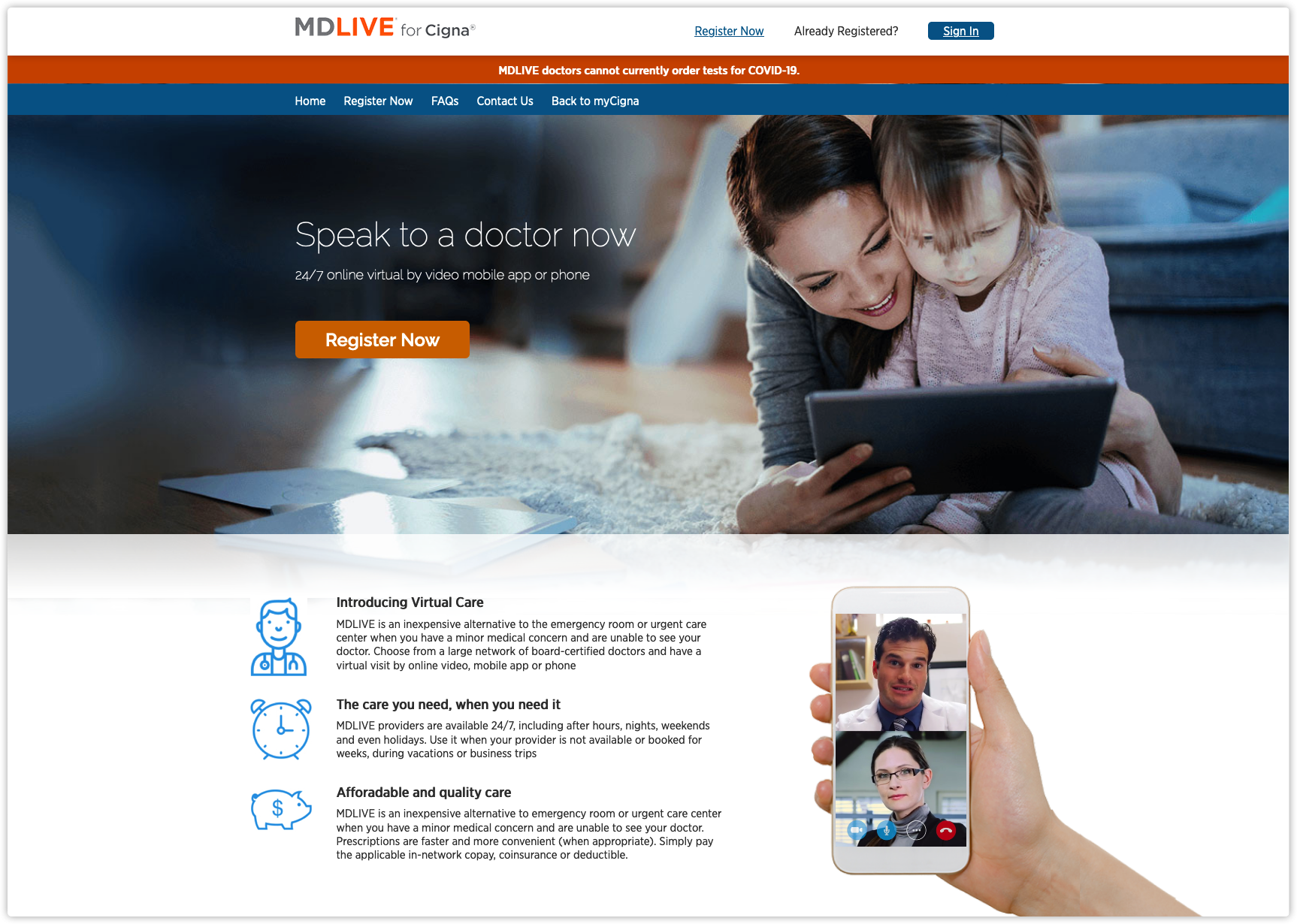
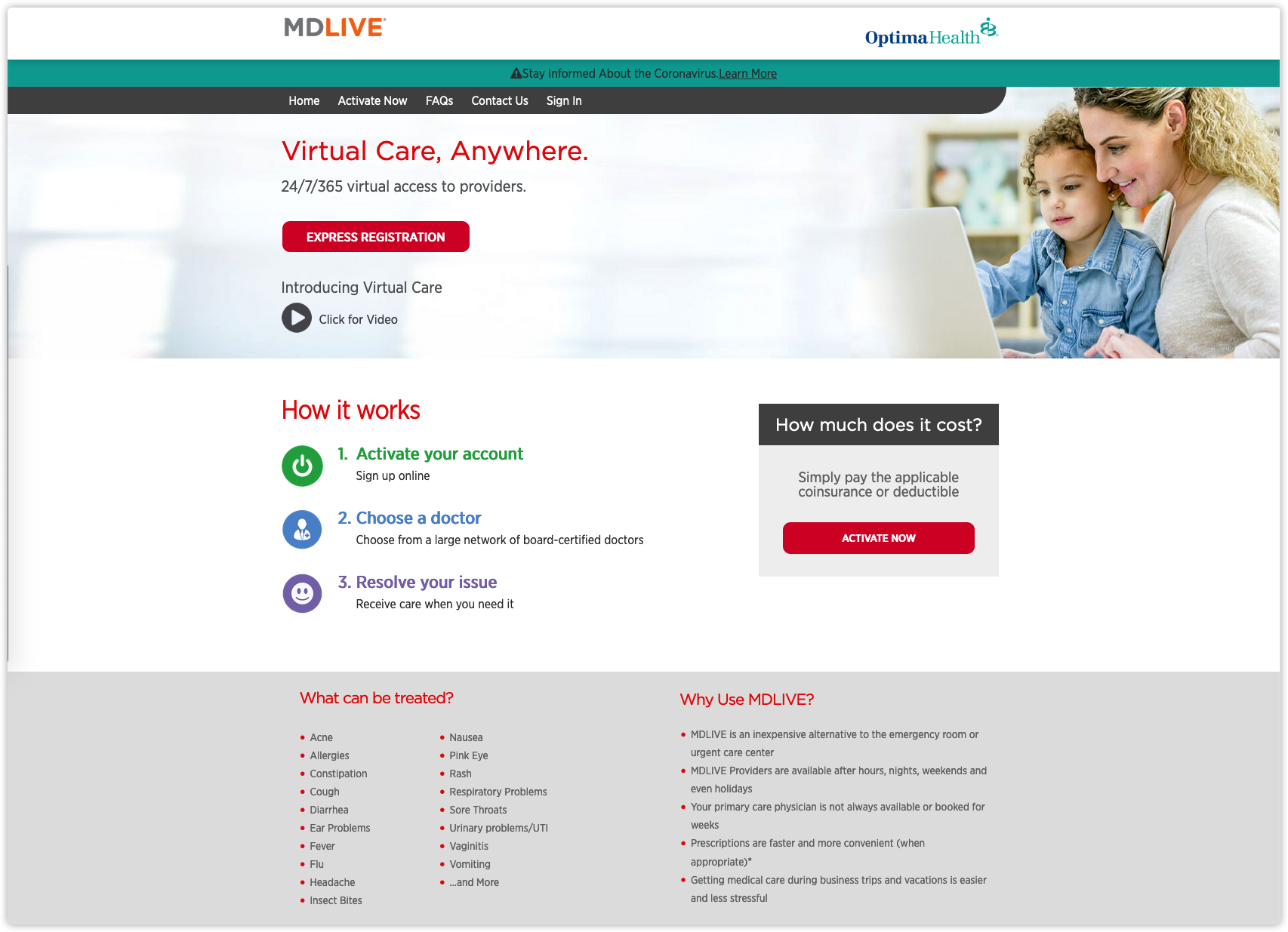
Section titled “Landing Page”A member who is not eligible is redirected to a landing page. The landing page that is displayed depends on the ou (Organization Unit) value passed in the SAML 2.0 assertion. MD Live issues one ou value for each client landing page.
Examples:
SSO Registration Page
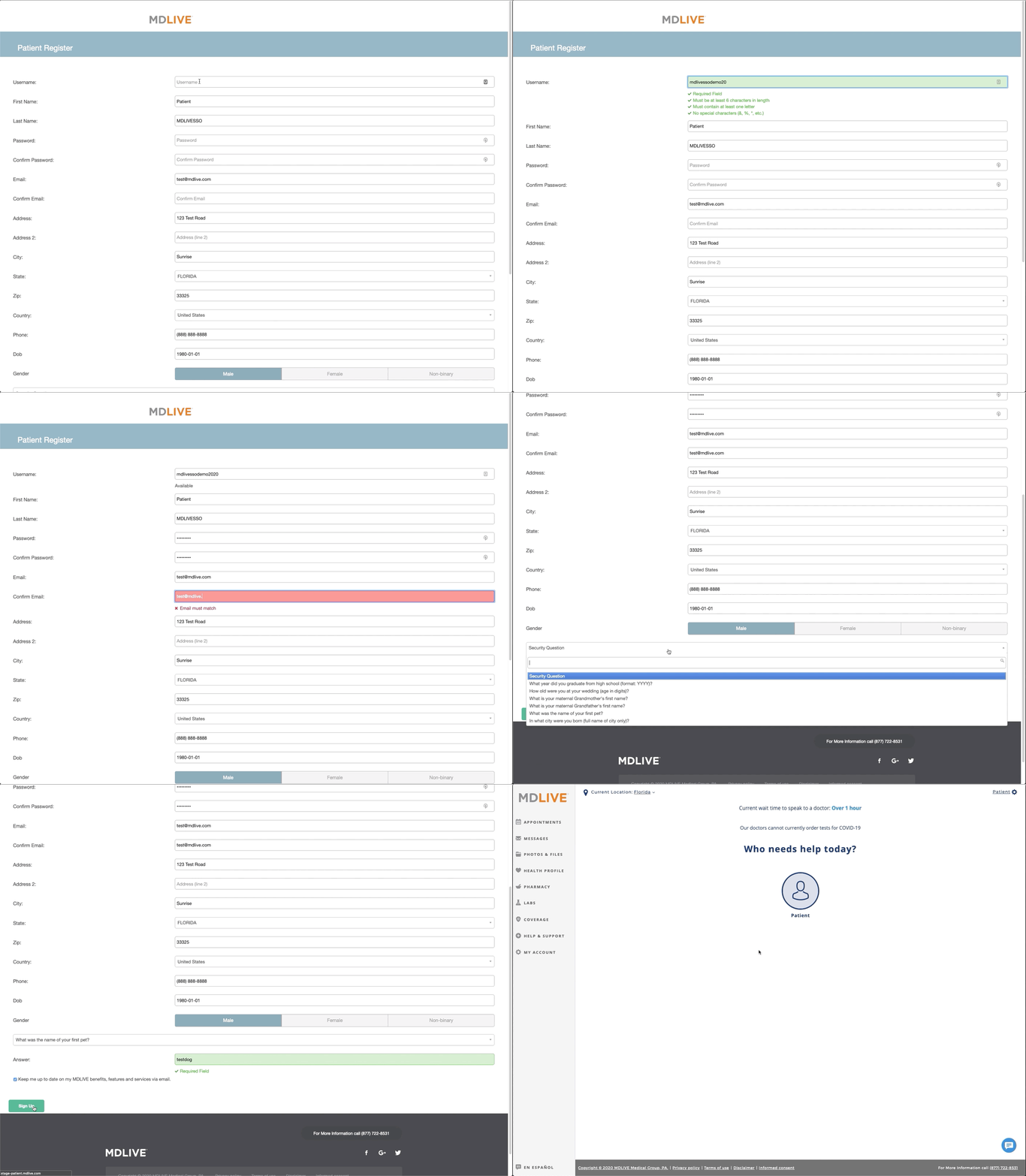
Section titled “SSO Registration Page”Including Registration only. A member who is eligible but does not have an MD Live account is redirected to the SSO registration page, and fills it in to register an MD Live account.
Patient Portal Dashboard
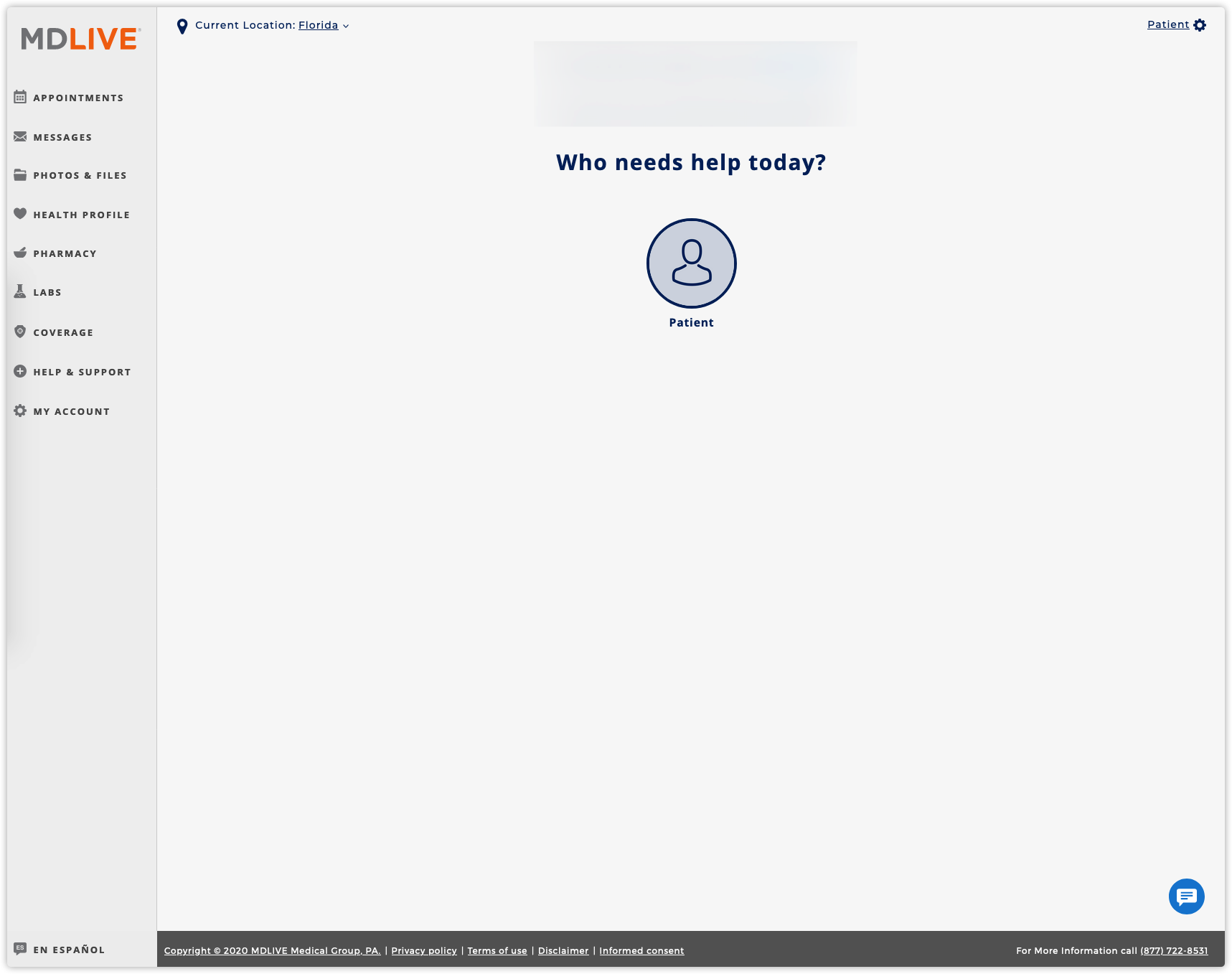
Section titled “Patient Portal Dashboard”A member who is eligible and already has an MD Live account is redirected to the MD Live patient portal dashboard. With Seamless SSO, every eligible member is redirected here.
Sign Out
Section titled “Sign Out”MD Live highly recommends that members sign out of MD Live websites after they use MD Live services. Members sign out with the LOG OUT button.
To sign members out of MD Live automatically when they sign out or time out in your web portal, see Automatic Sign-Out.
When SSO Fails
Section titled “When SSO Fails”If there is a SAML SSO error, the member is redirected to the MD Live client landing page, where they can sign in with their username and password or call MD Live for assistance.
Common causes:
| Cause | Details |
|---|---|
| Missing attribute | A required assertion attribute is missing or empty. See SAML Attributes. |
| Eligibility cannot be verified | When MD Live provisions a new patient profile, it cannot verify eligibility from the assertion attribute values. The assertion may be missing required fields, the eligibility information may be out of date, or the assertion data may not match the eligibility data. |