

White Label App Assets
| No. | Item | Required | Notes | Details |
|---|---|---|---|---|
| 1 | Installed App Icon Image |
Required | This will be the Installed App Icon Image in both iOS and Android devices after the apps are installed. Size: 1024*1024. NO transparent background image. Example images with two different Installed App Icons are provided for reference => |
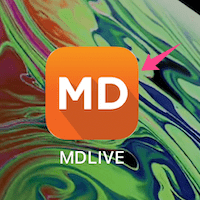 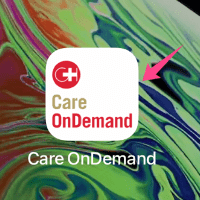 |
| 2 | App Display Name |
Required | This App Display Name will appear under the installed app icon within 12 characters - spaces count 1 character Examples of two different App Display Names are provided for reference => |
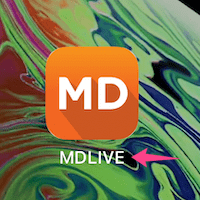 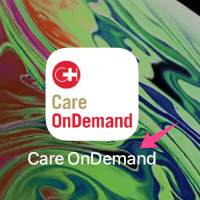 |
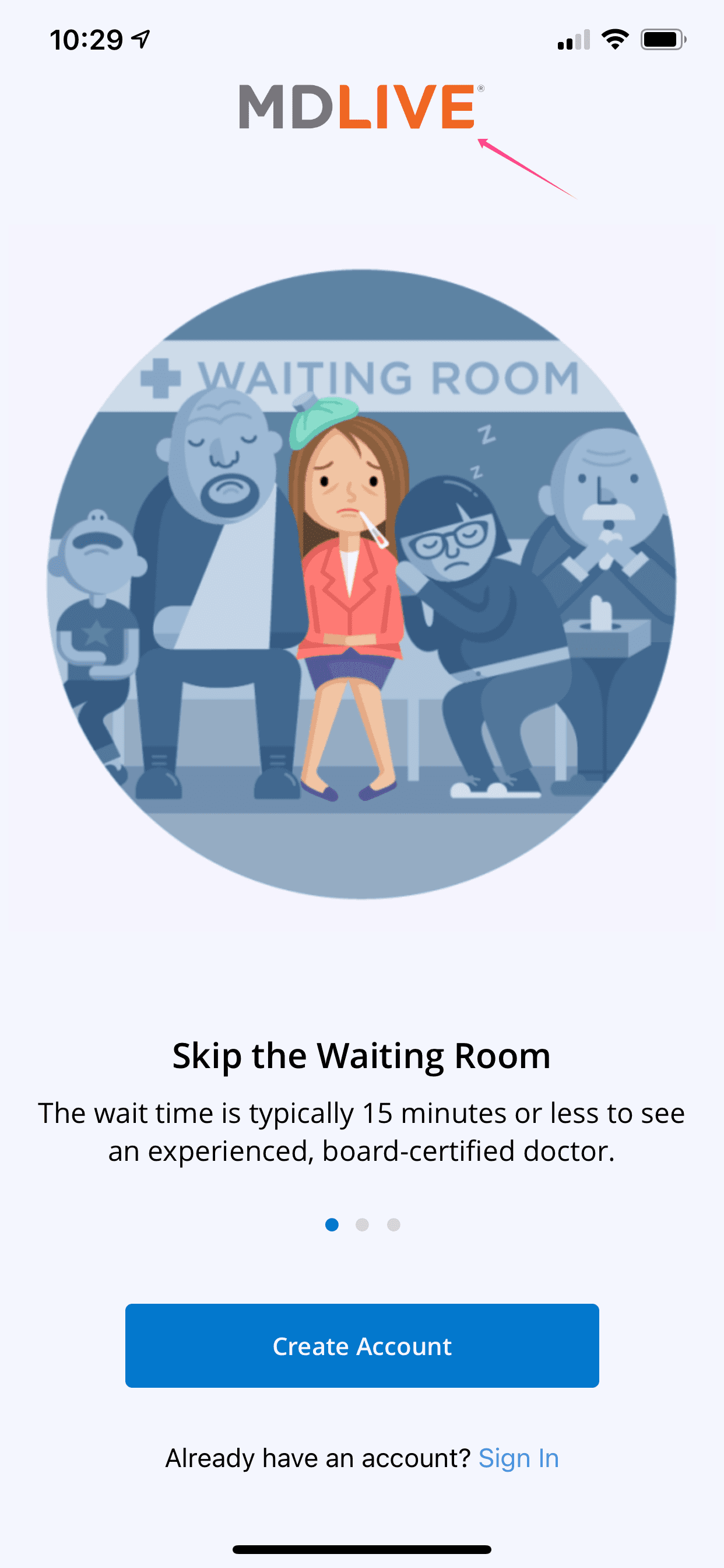
| 3 | App Referring Name |
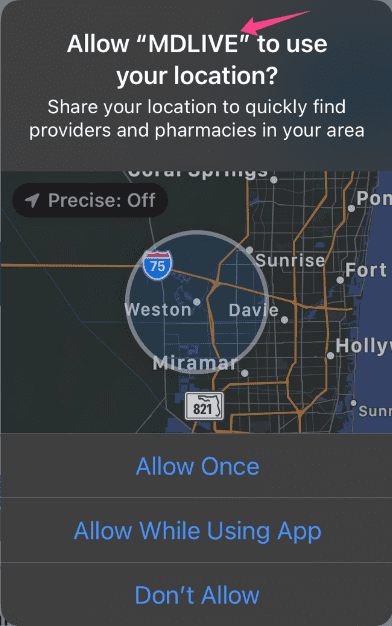
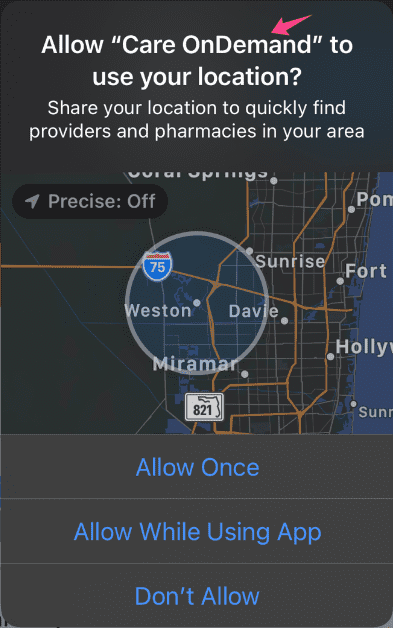
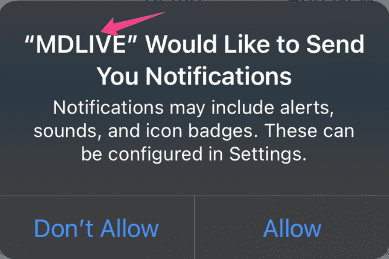
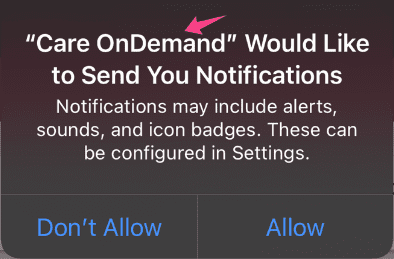
Required | This App Referring Name will be used in the app, which will replace MDLIVE. within 12 characters - spaces count 1 character Examples of two different App Referring Names are provided for reference => |
    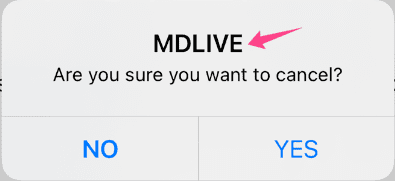 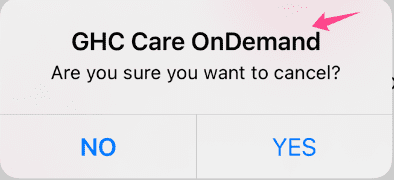 |
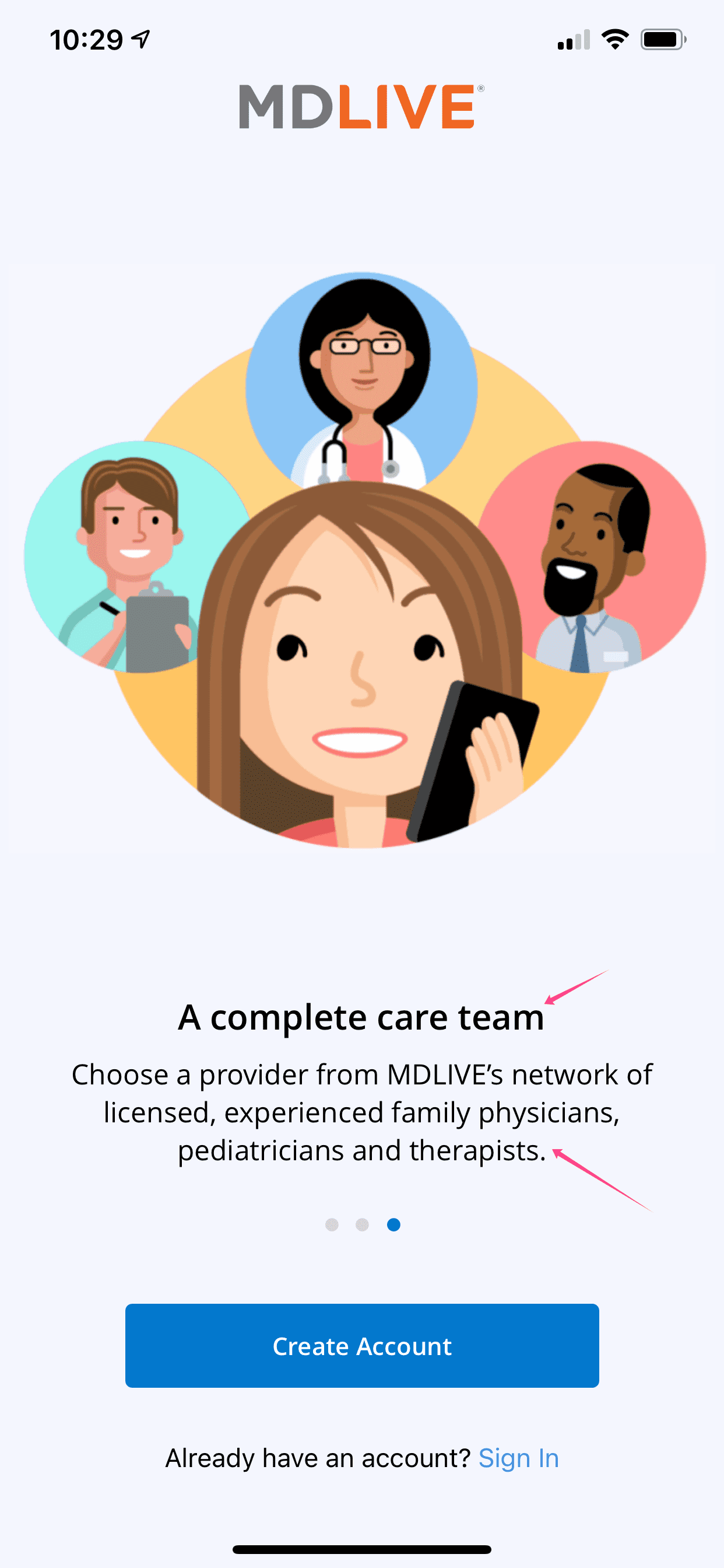
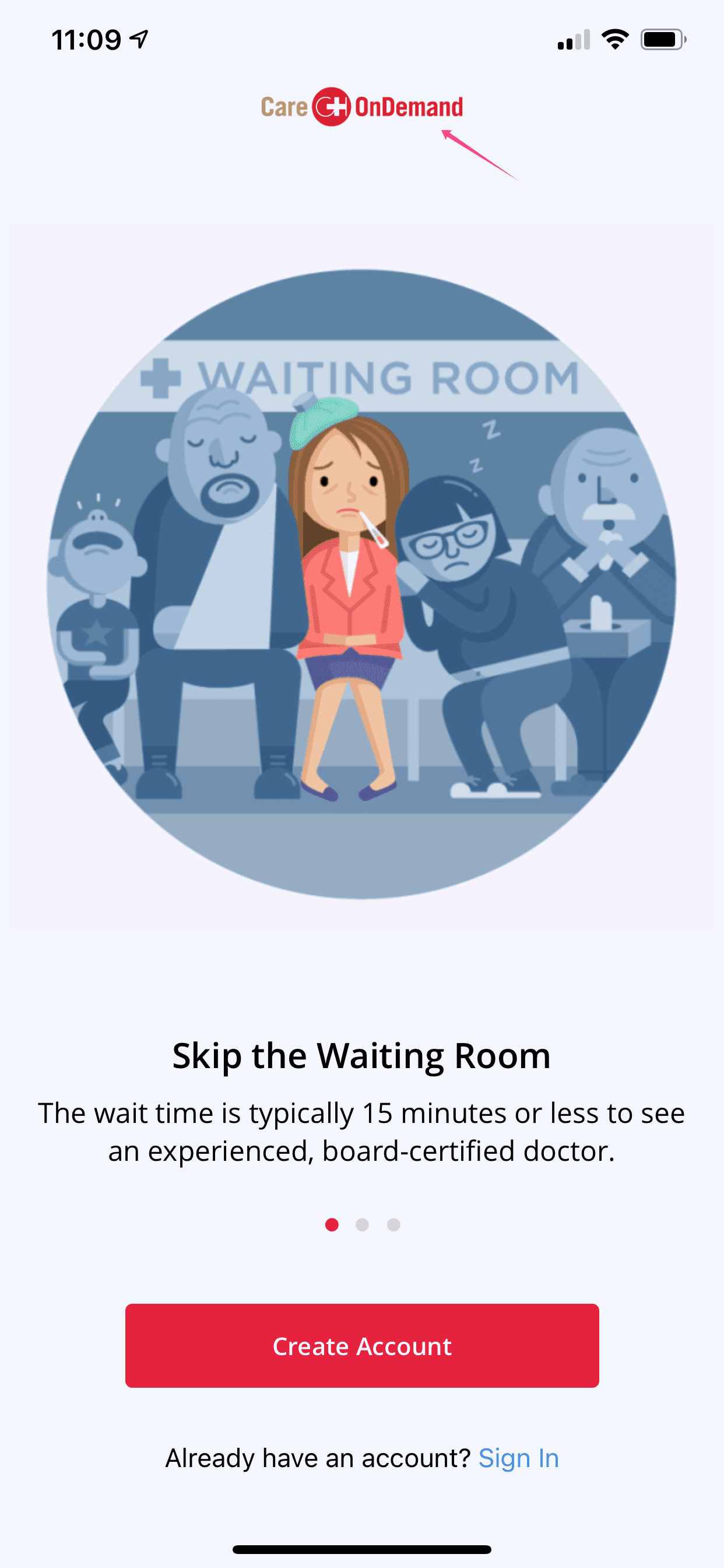
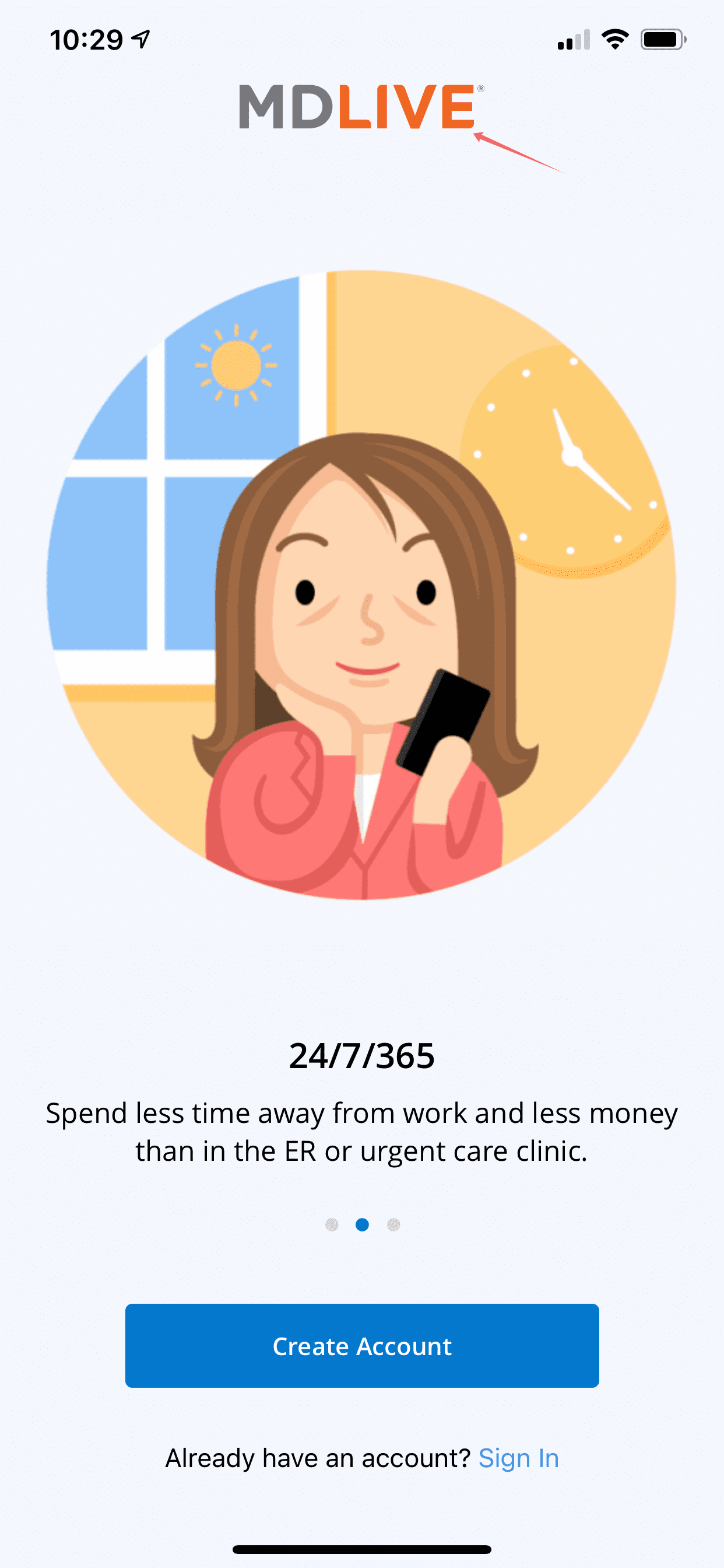
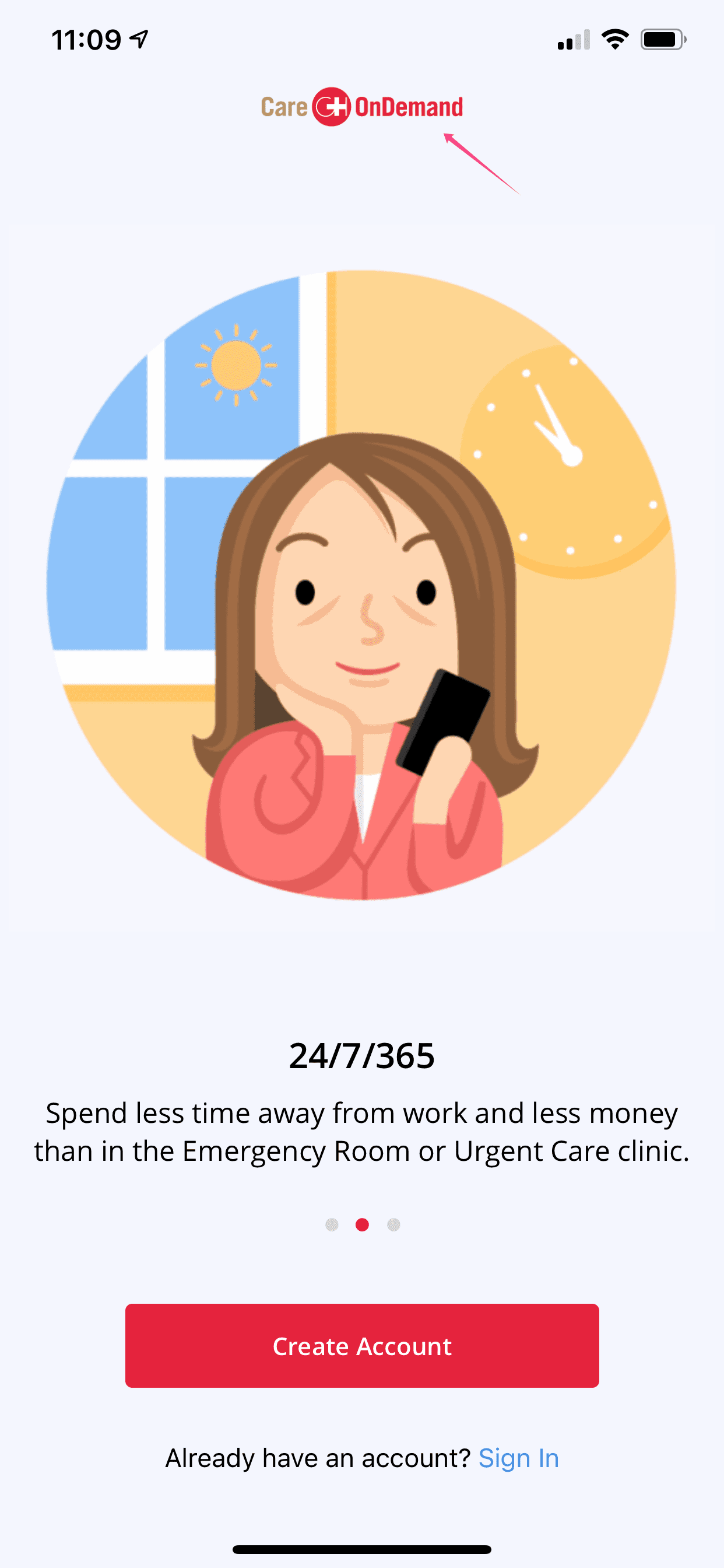
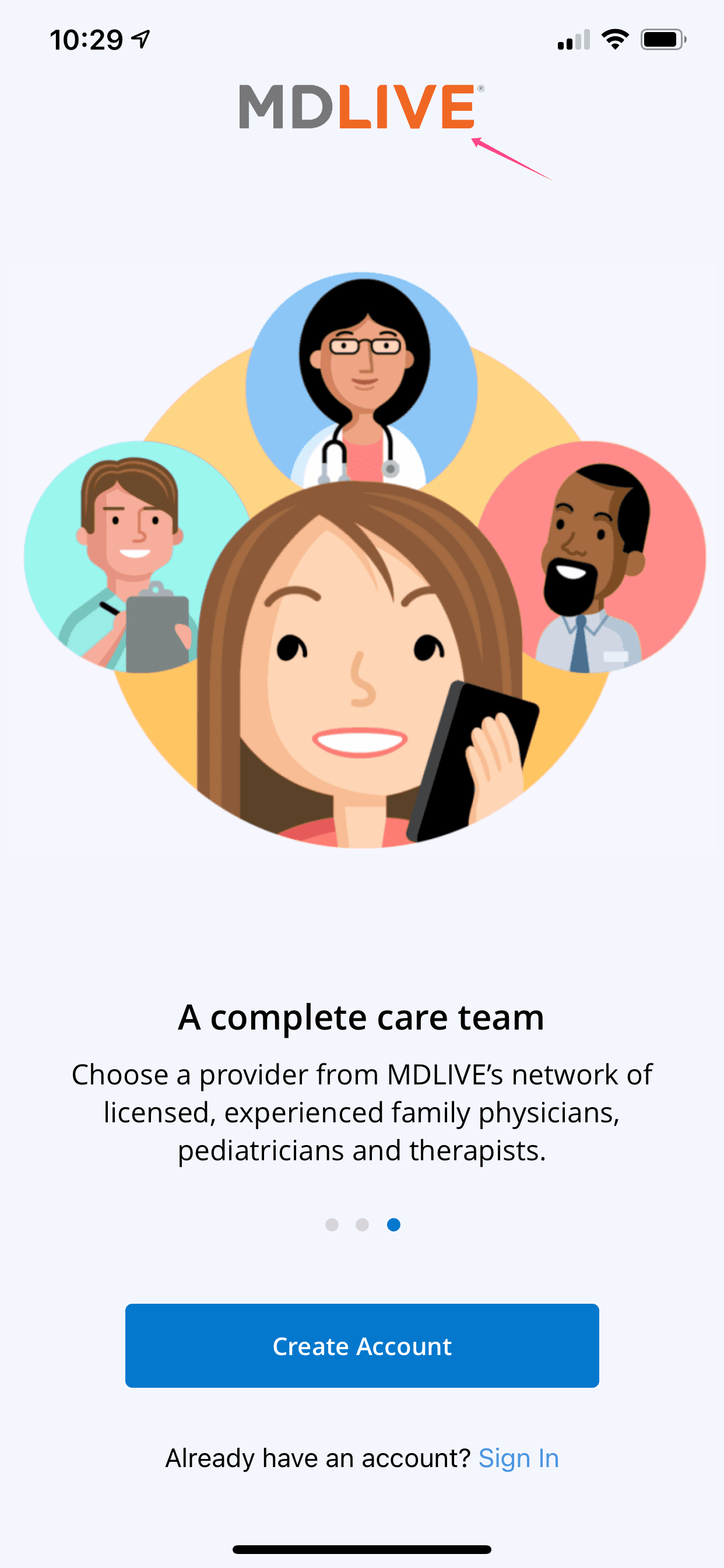
| 4 | Welcome Page Verbiage |
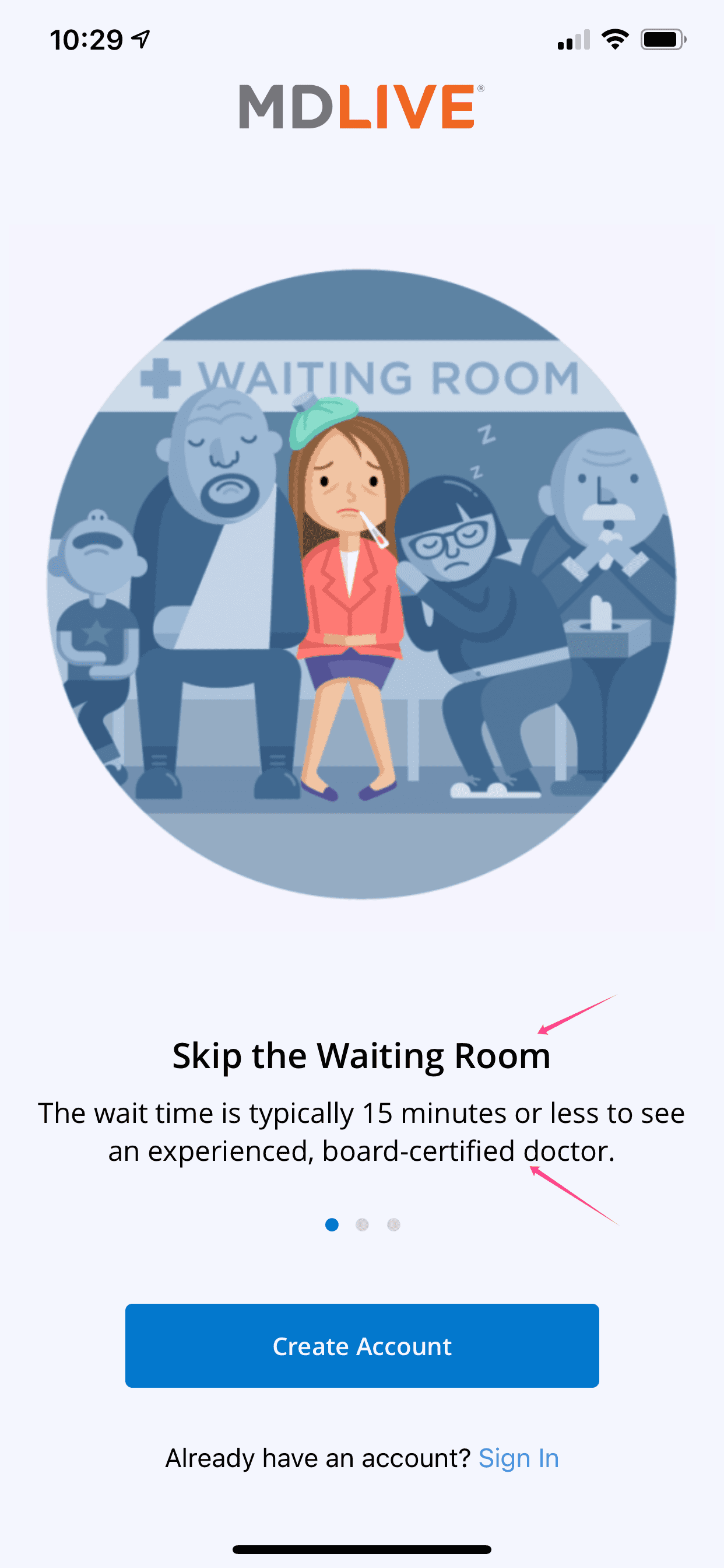
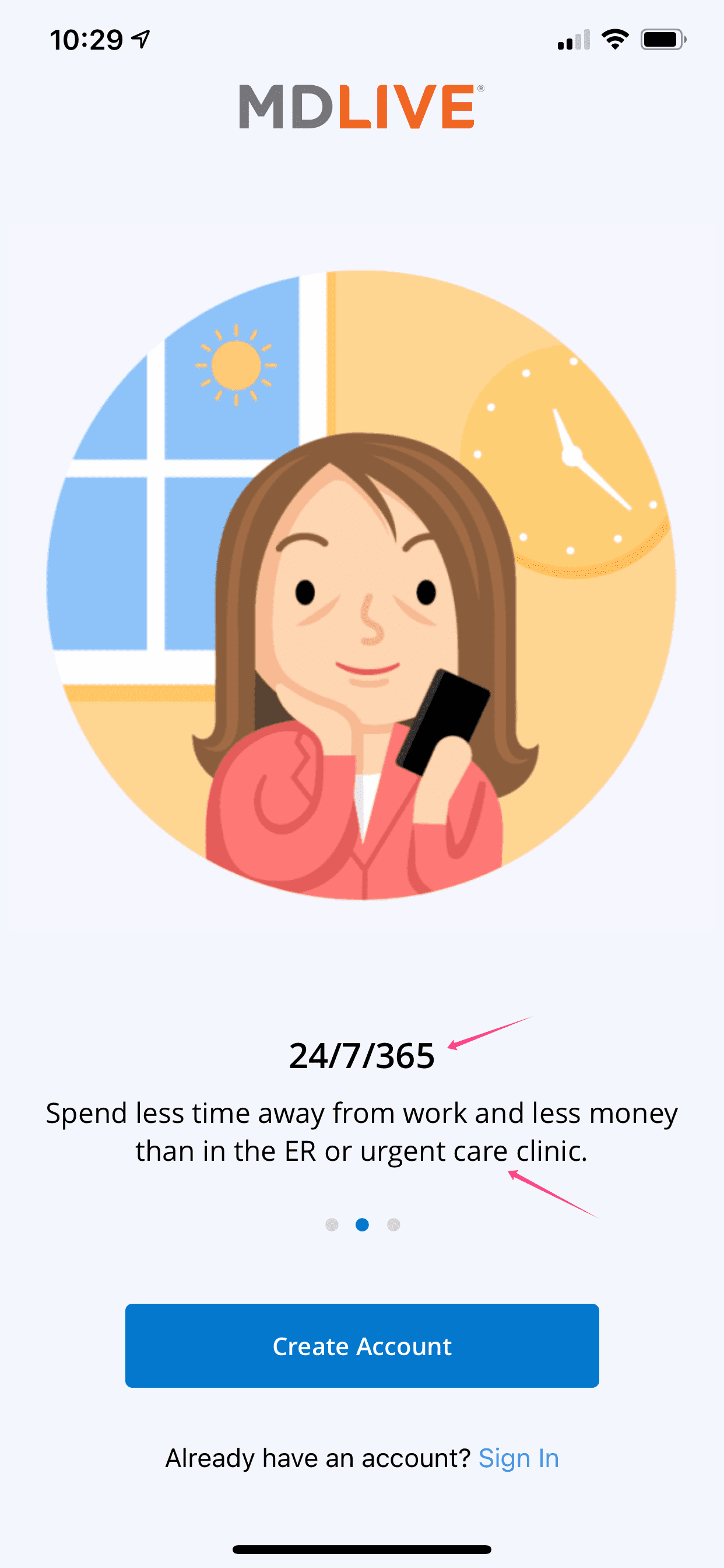
Optional | The images on these (3) welcome pages cannot be changed in the white label apps. The welcome page verbiage including the title under each welcome page image can be customized upon client’s request. |
   |
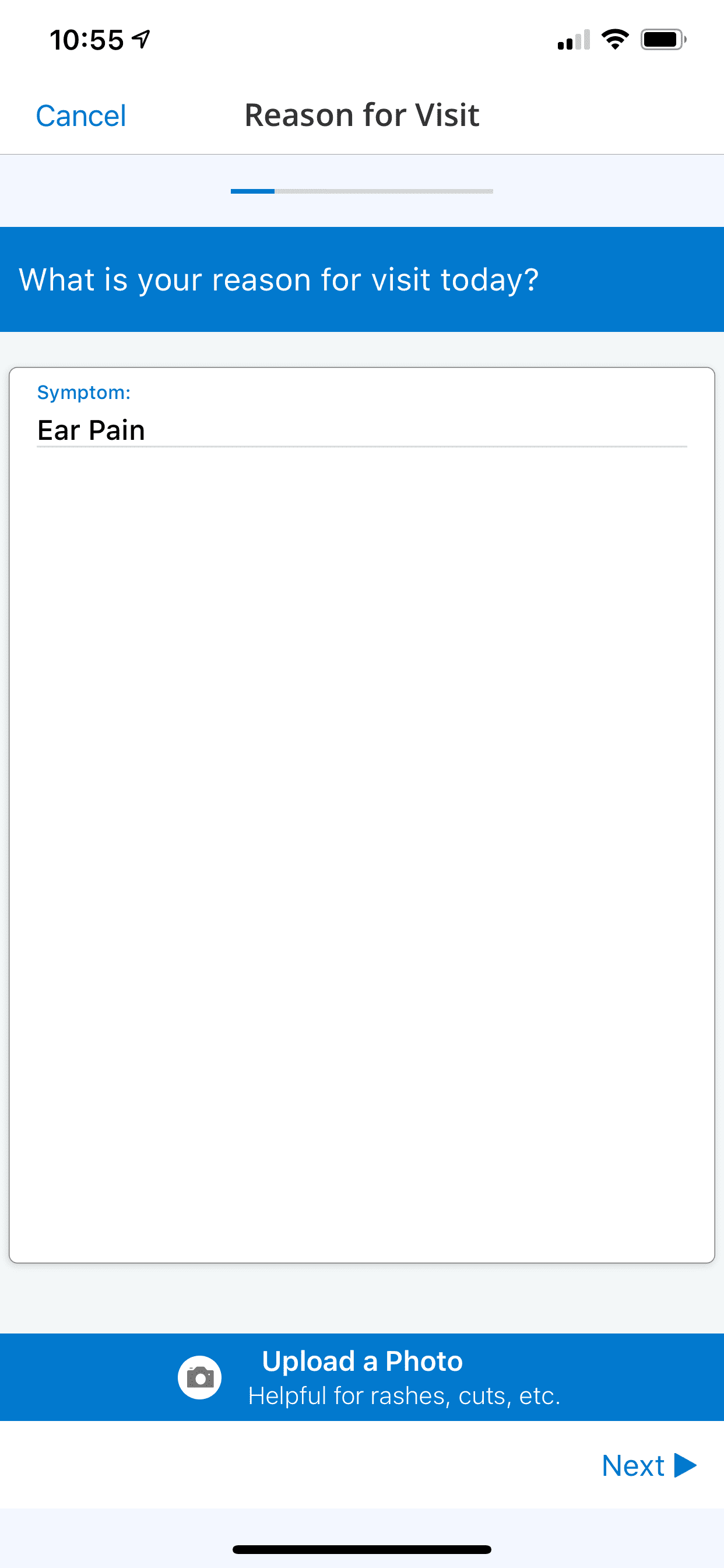
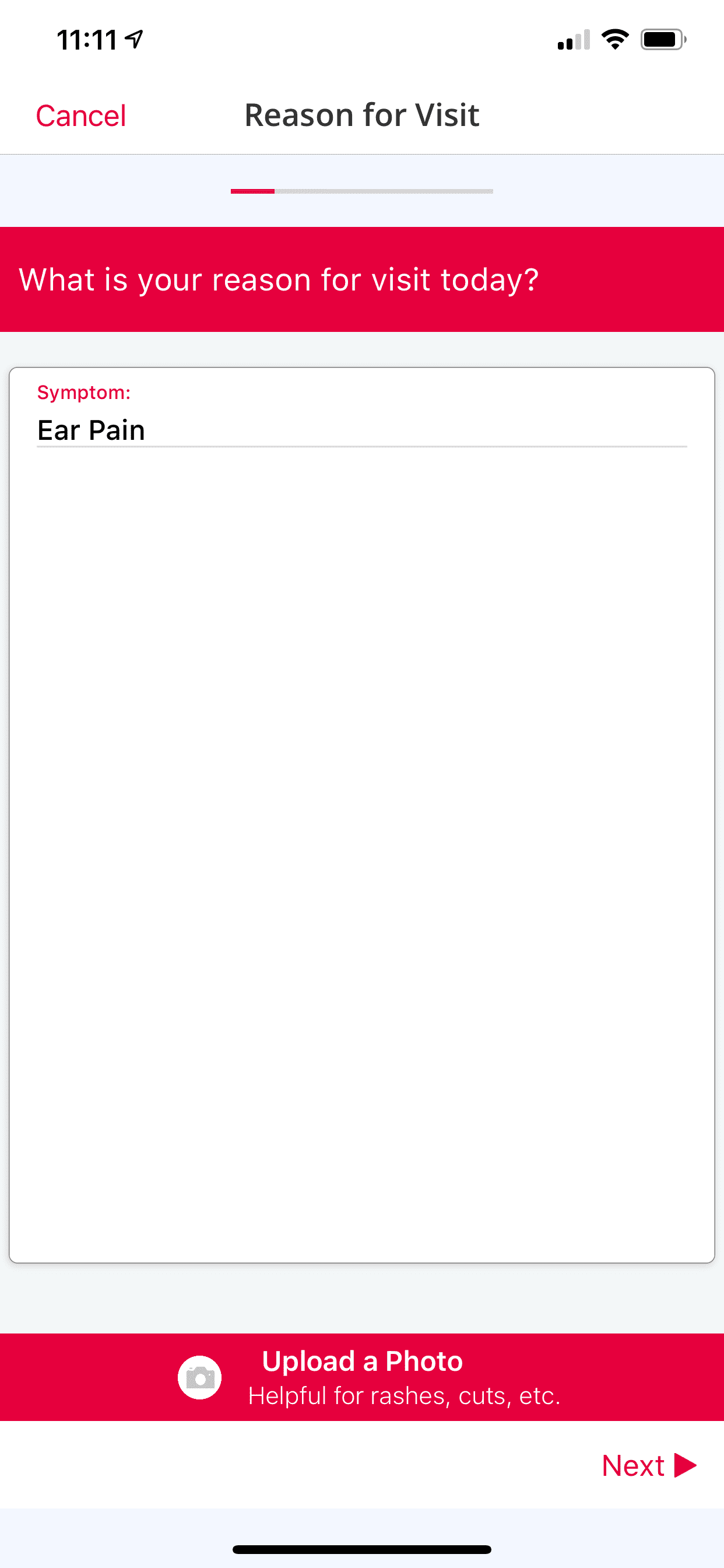
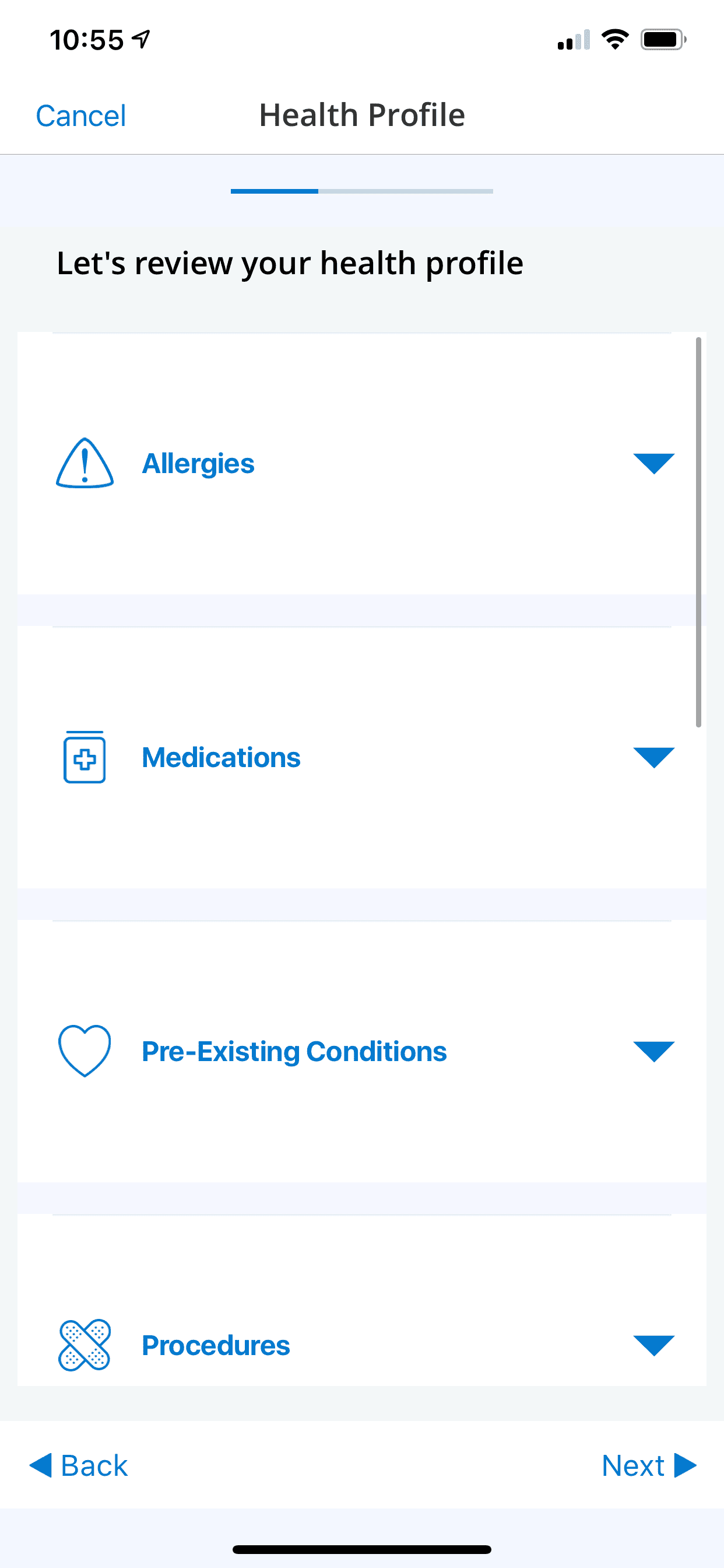
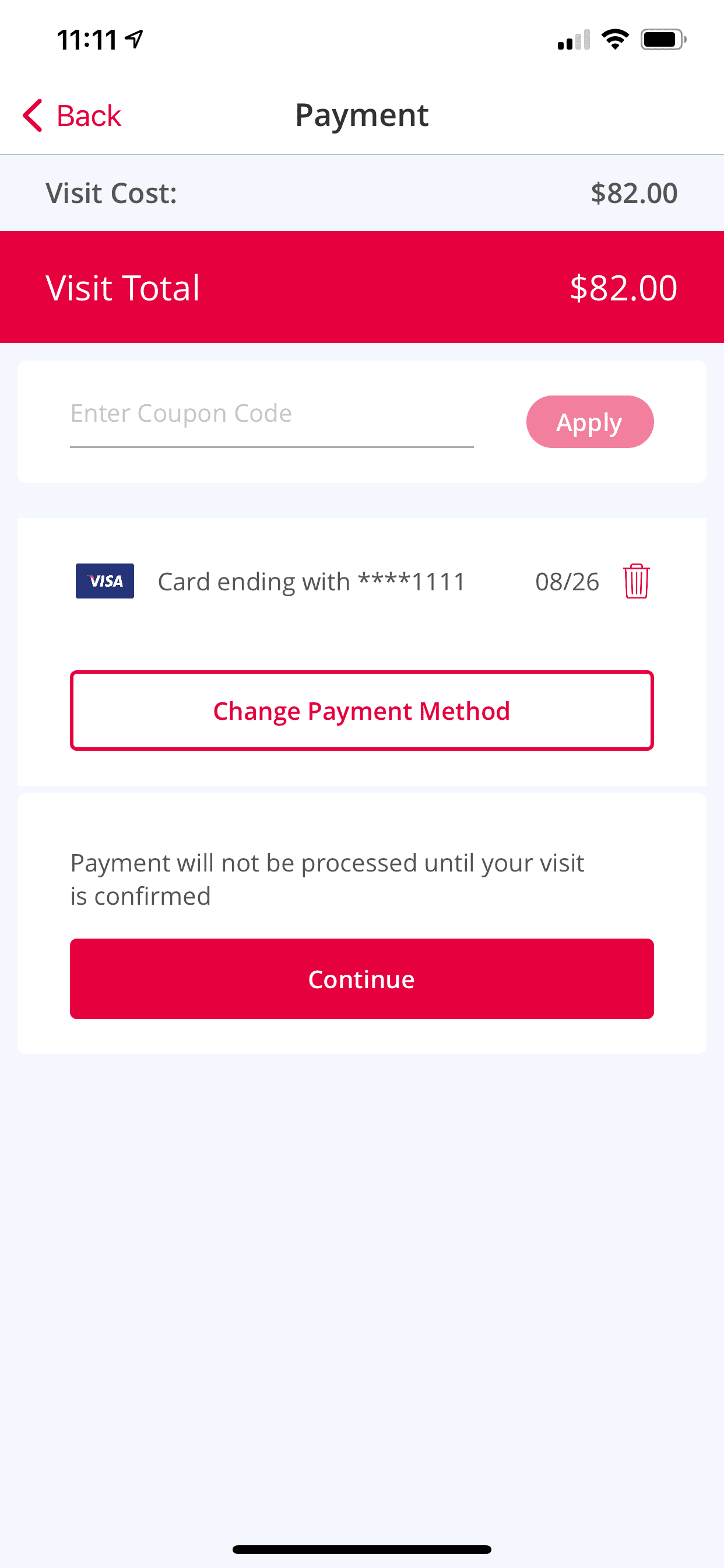
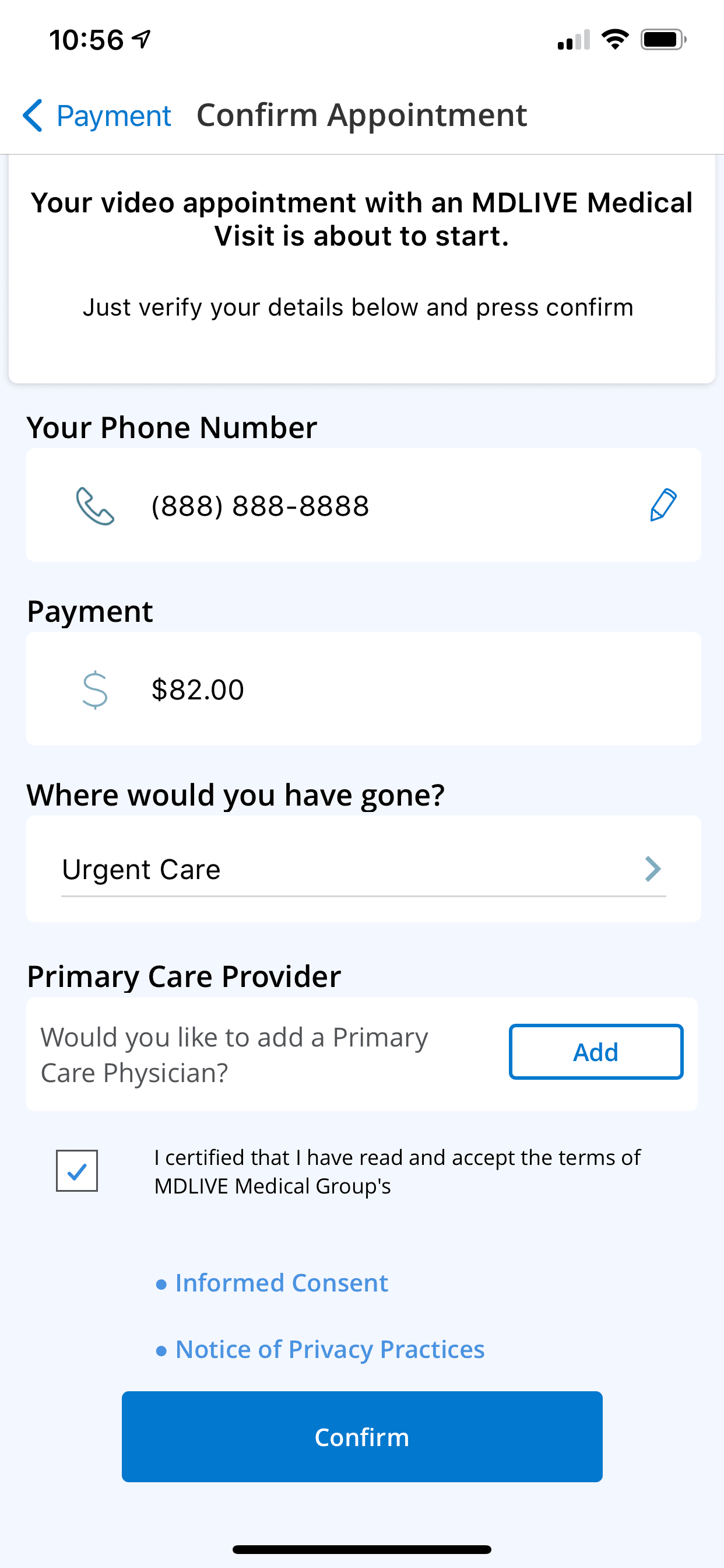
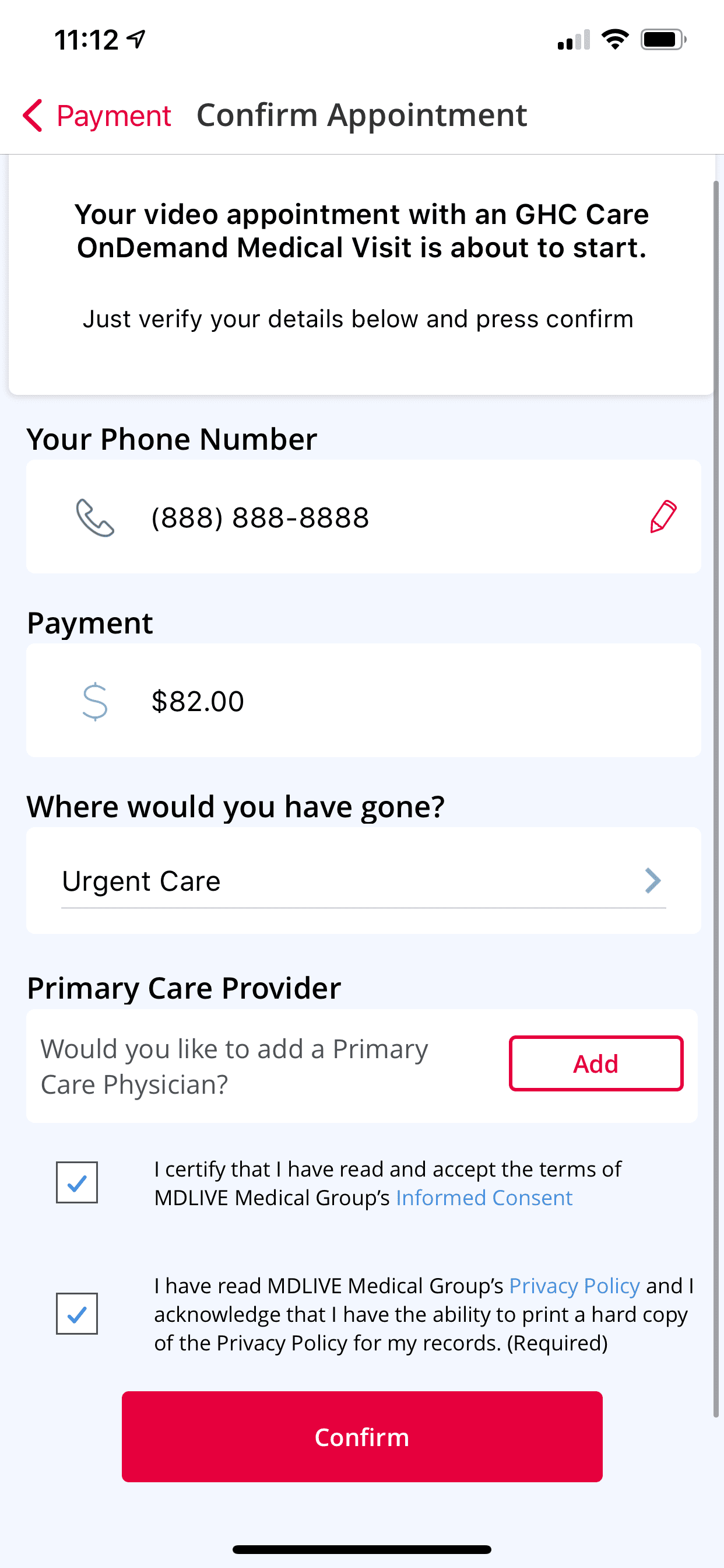
| 5 | App Theme Color |
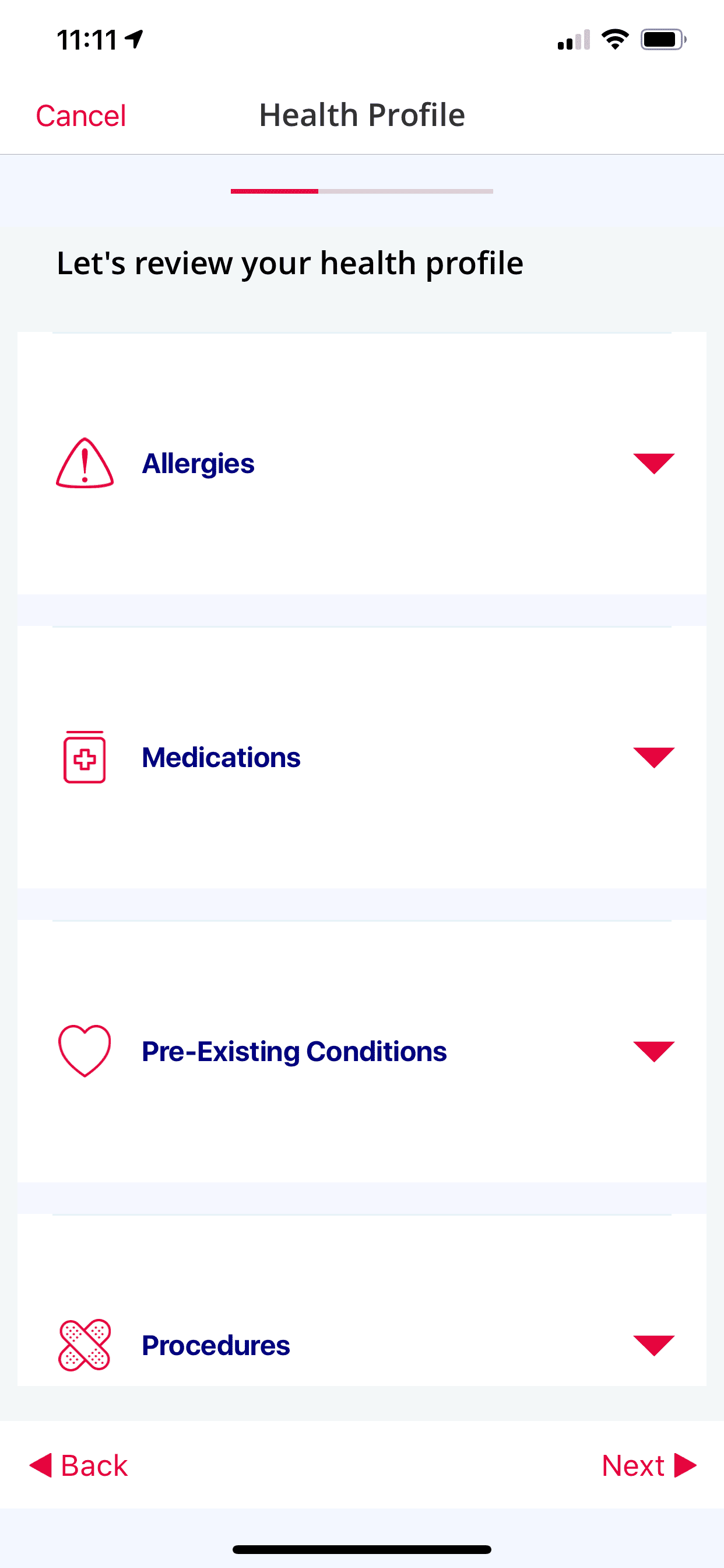
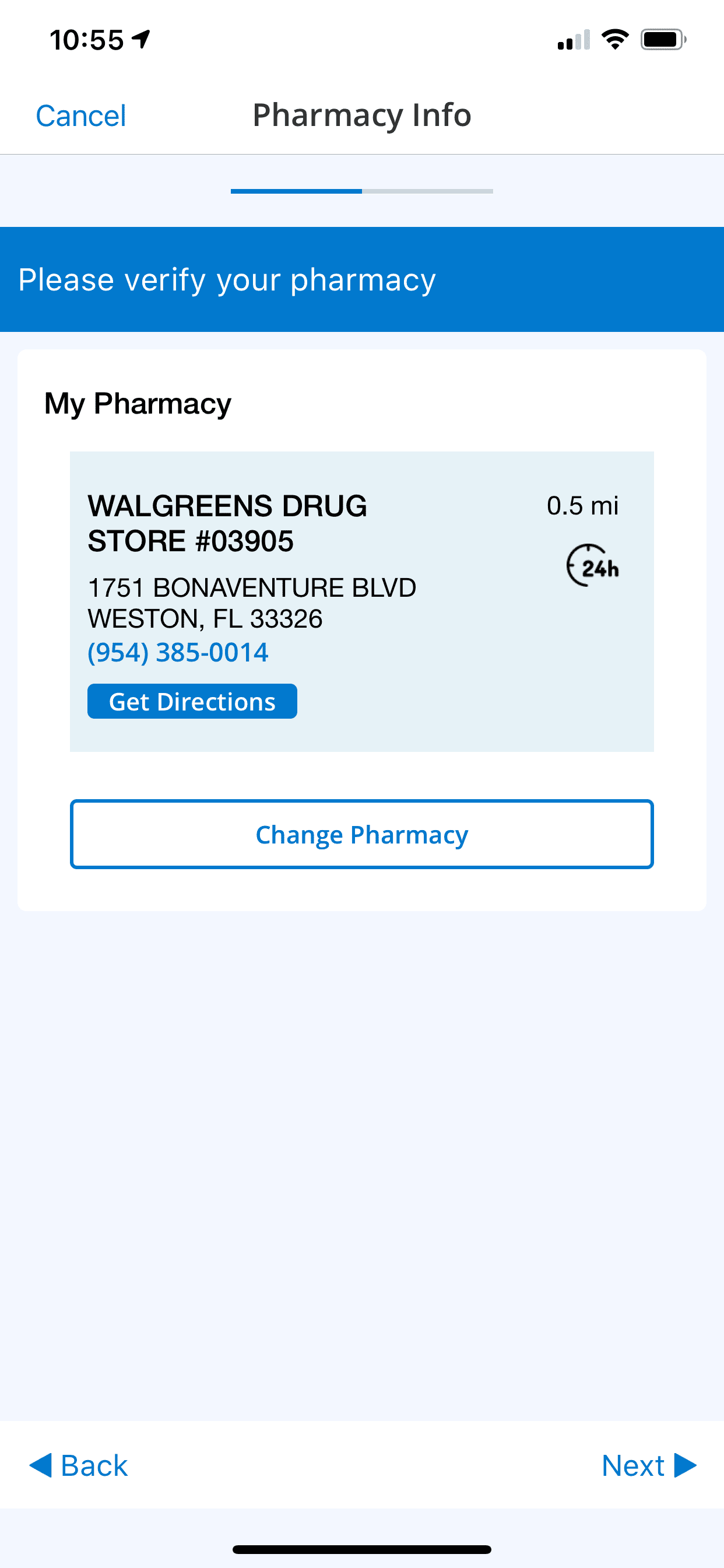
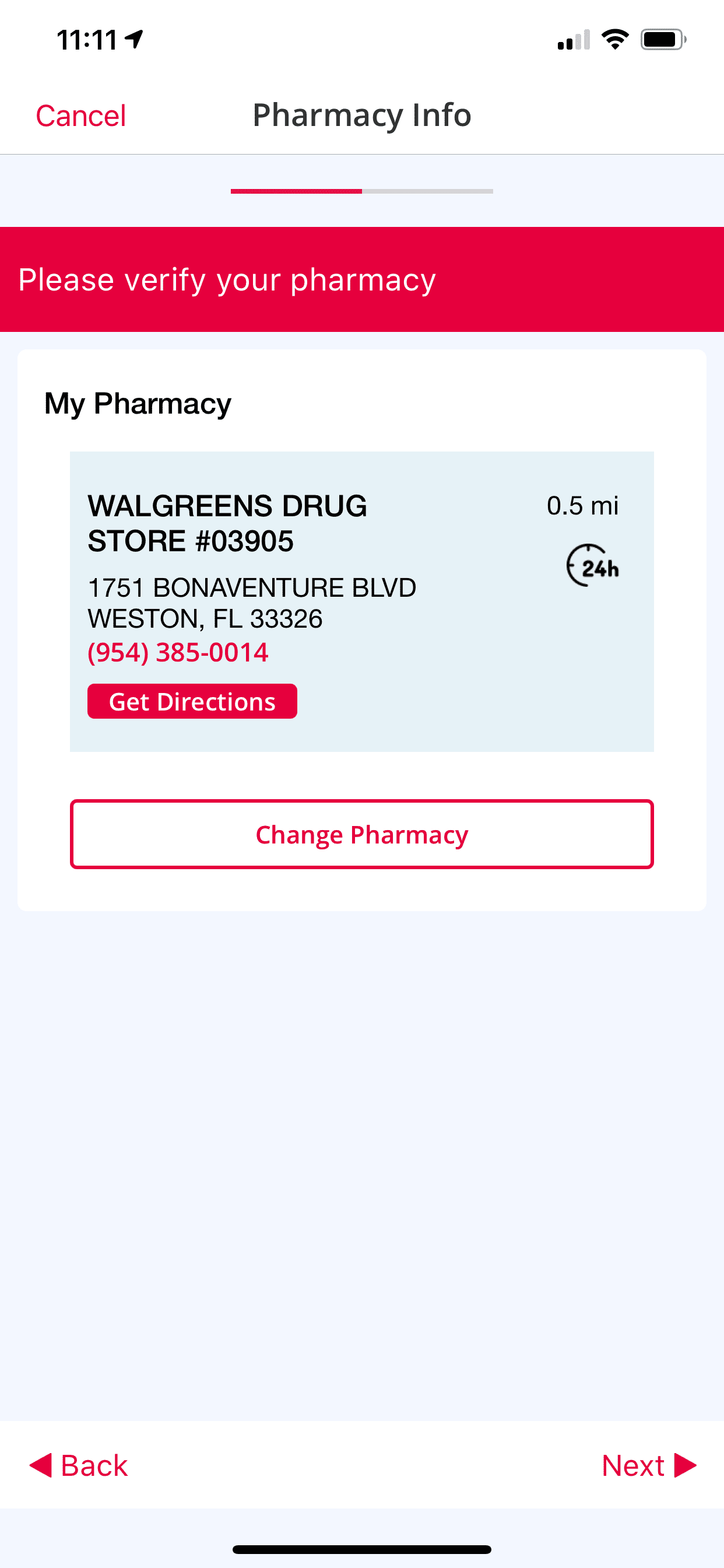
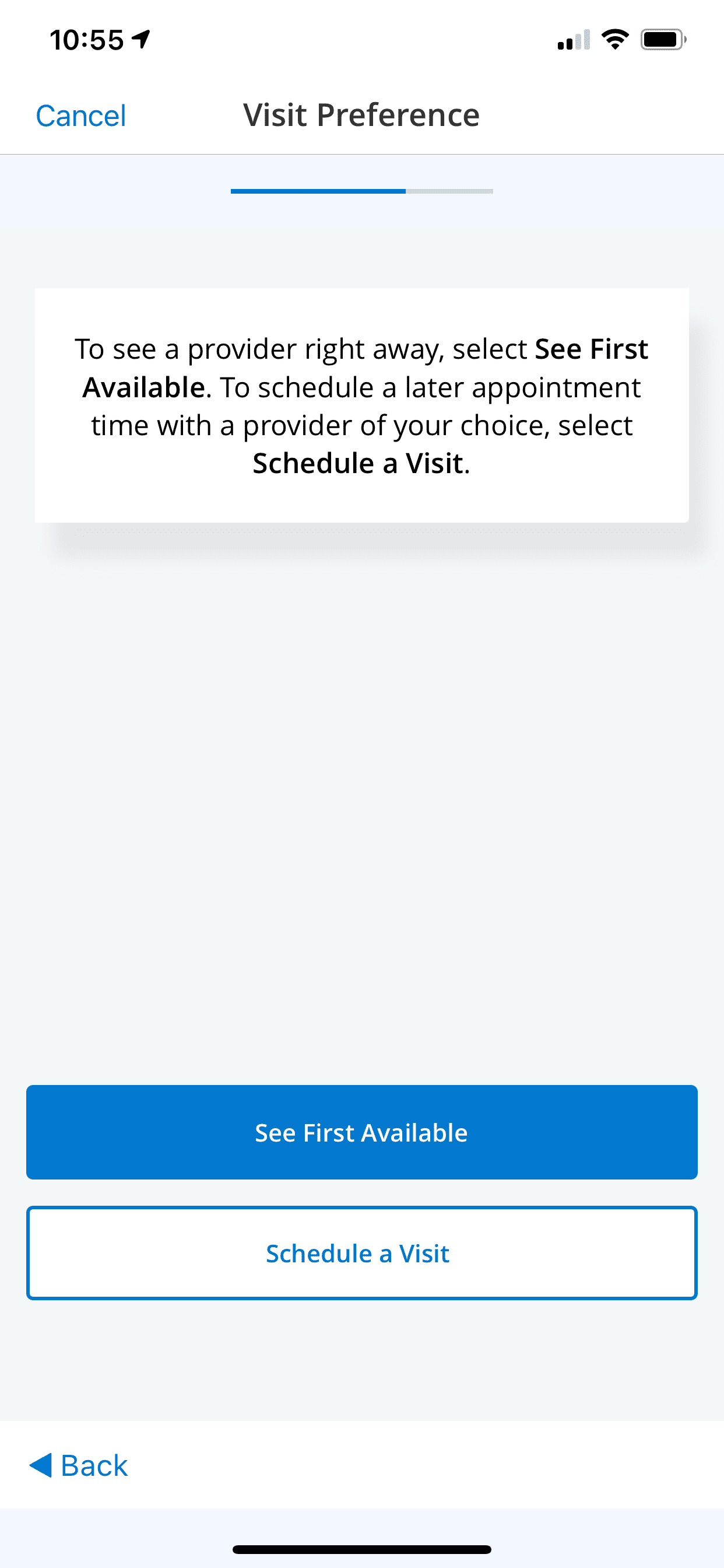
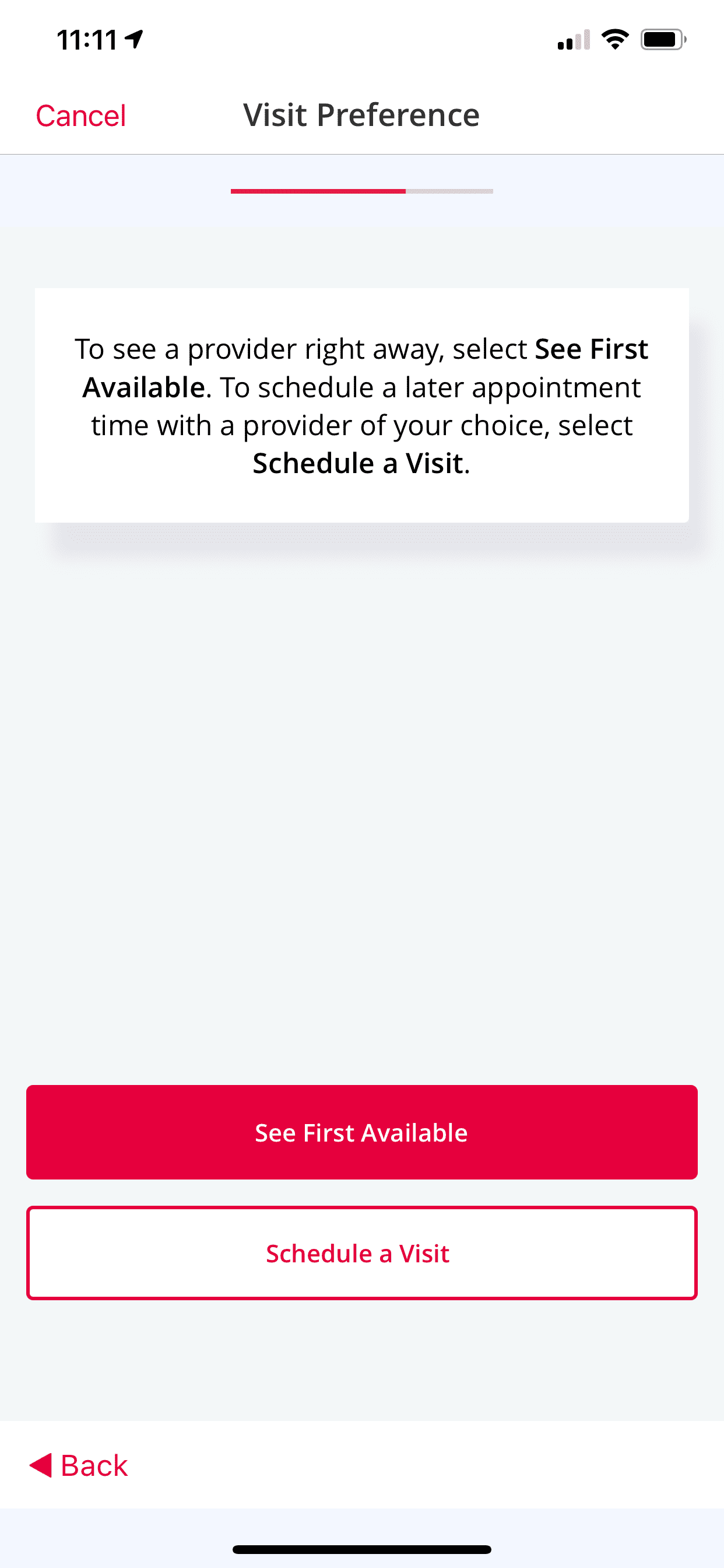
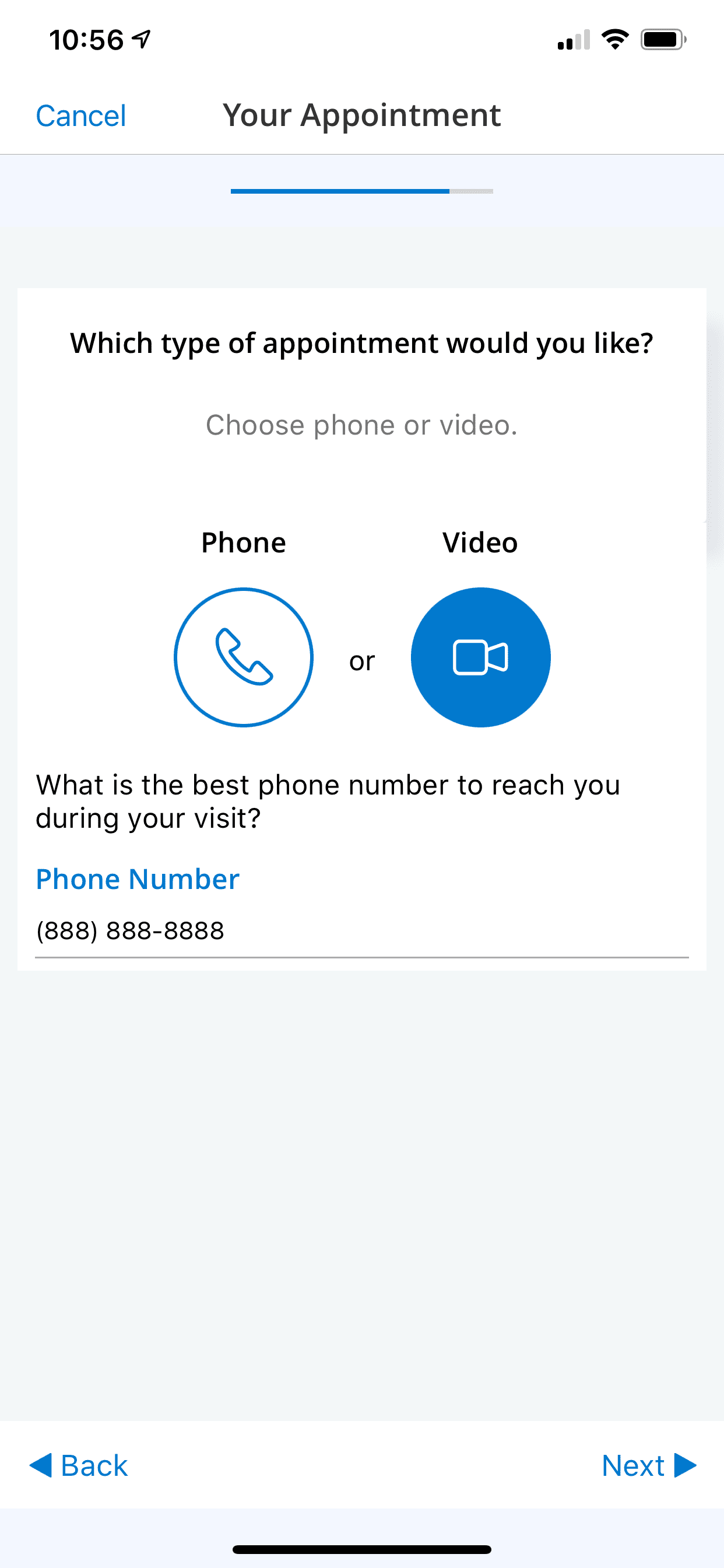
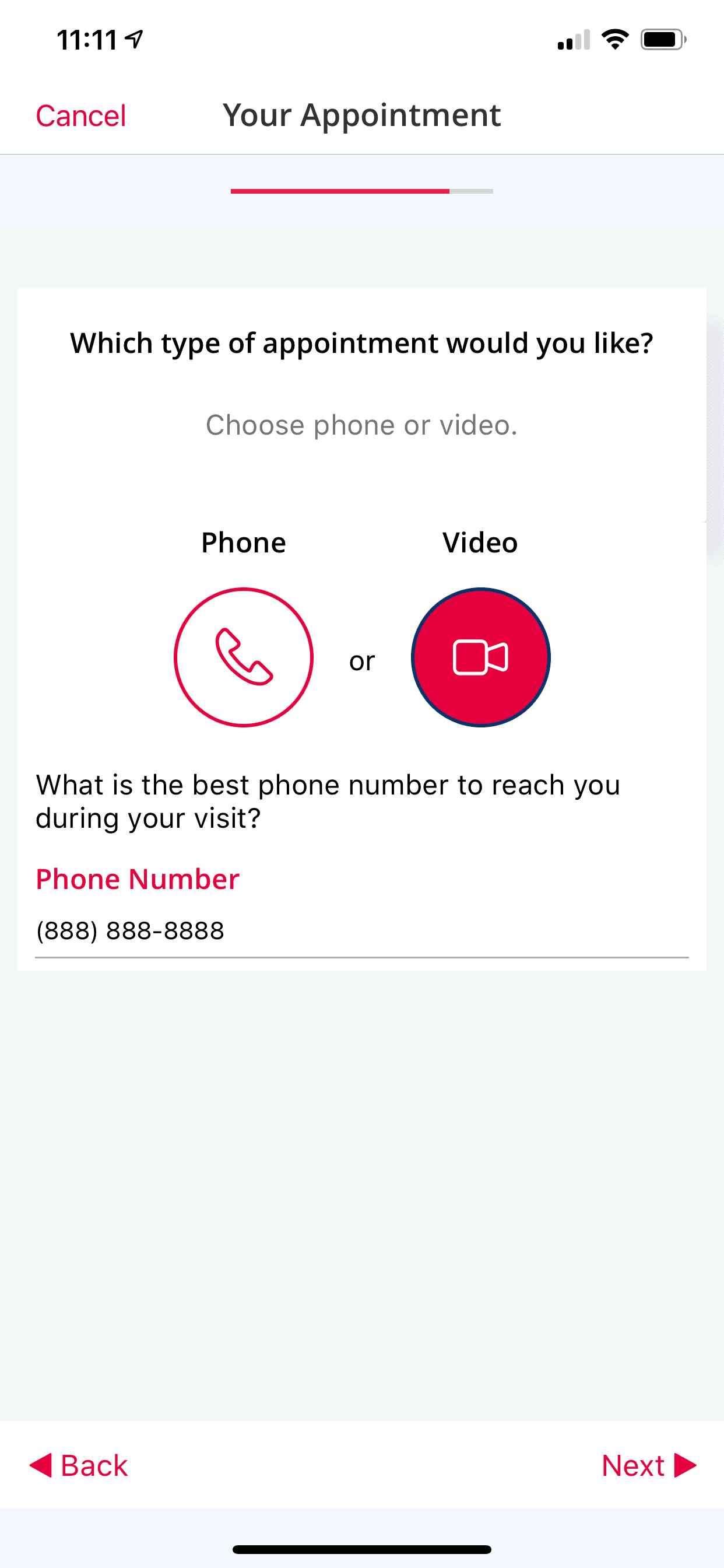
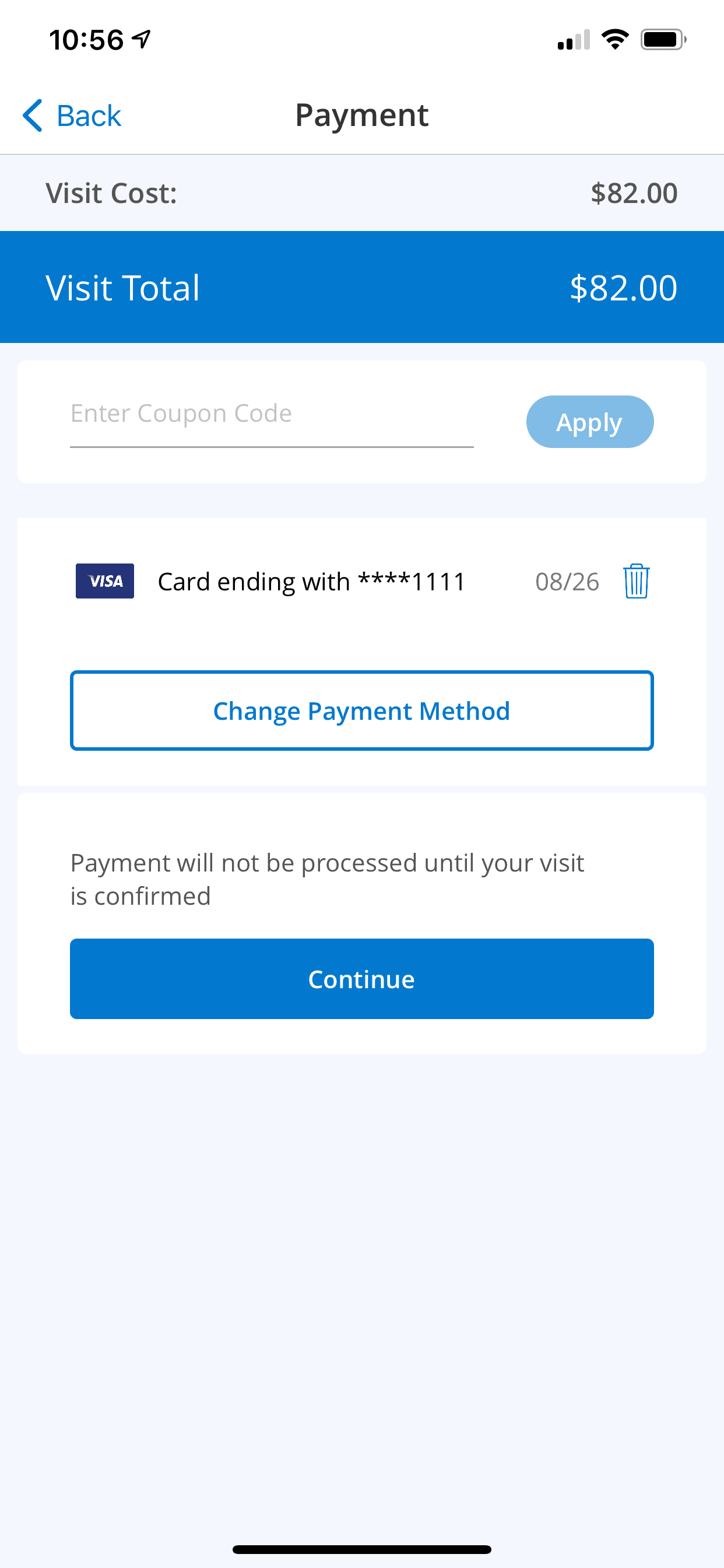
Required | This is the App Theme Color of the white label app for both iOS and Android The Color Hex Value is required. Examples of two different App Theme Colors are provided for reference => |
              |
| 6 | App Resource Logo | Required | Size: 432*82 transparent background .png format Examples of two different App Resource Logos are provided for reference => |
     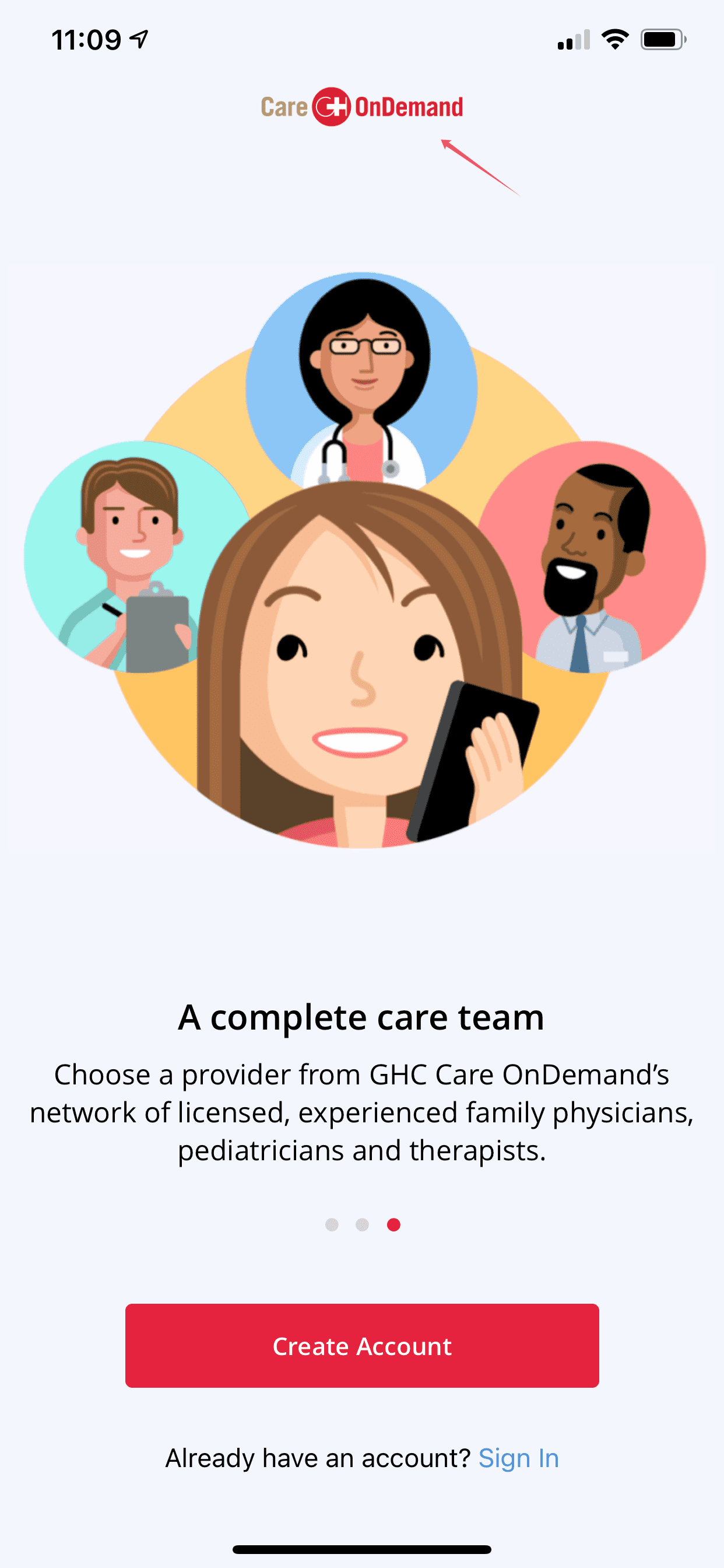 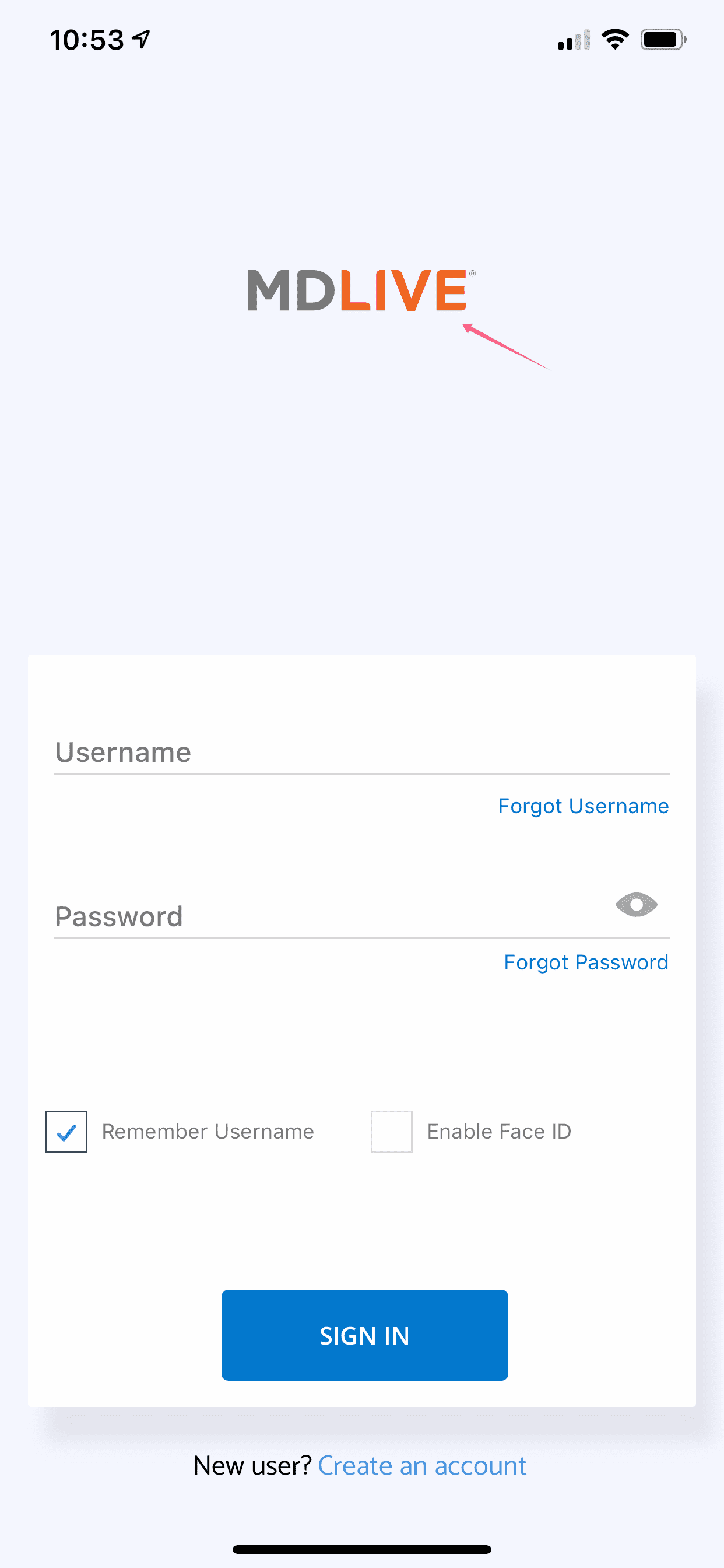 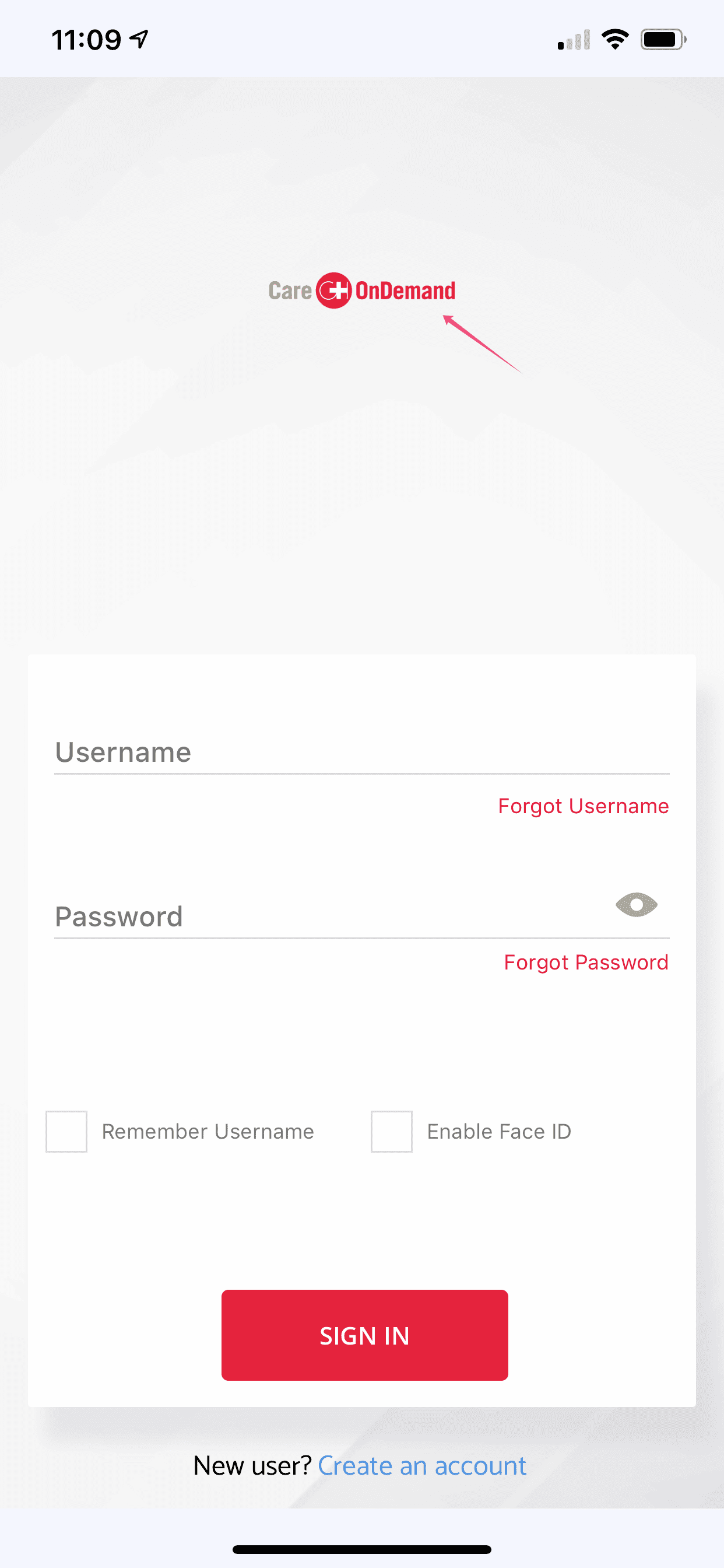 |
| 7 | DTC (Direct-to-Consumer) Registration Setting |
Required | Please pick one of the following setting: 1. Client’s DTC Benefit 2. MDLIVE’s DTC Benefit |
This setting is used when a first time user downloads and uses the white label app. If the user’s current benefit is not covered by the white label app client (Health Entity or Employer), the user will be registered under a DTC benefit group to allow MDLIVE service access. |