

OCC Patient Features
| No. | Functionality | Control Button | Function Explanation |
|---|---|---|---|
| 1 | Turn on/off camera |   |
The camera is default as on. The patient can turn off the camera, and the provider will no longer see the patient. |
| 2 | Turn on/off microphone |   |
The microphone is default as on. The patient can turn off the microphone, and the provider will no longer hear the patient. |
| 3 | Turn on/off video preview |   |
The video preview (the patient can see what the provider is seeing via a small video window) is default as on. The patient can turn off the video preview. The provider still can see the patient with the patient’s video preview off. The provider can see the patient until the patient turn off the camera. |
| 4 | Patient waiting room | 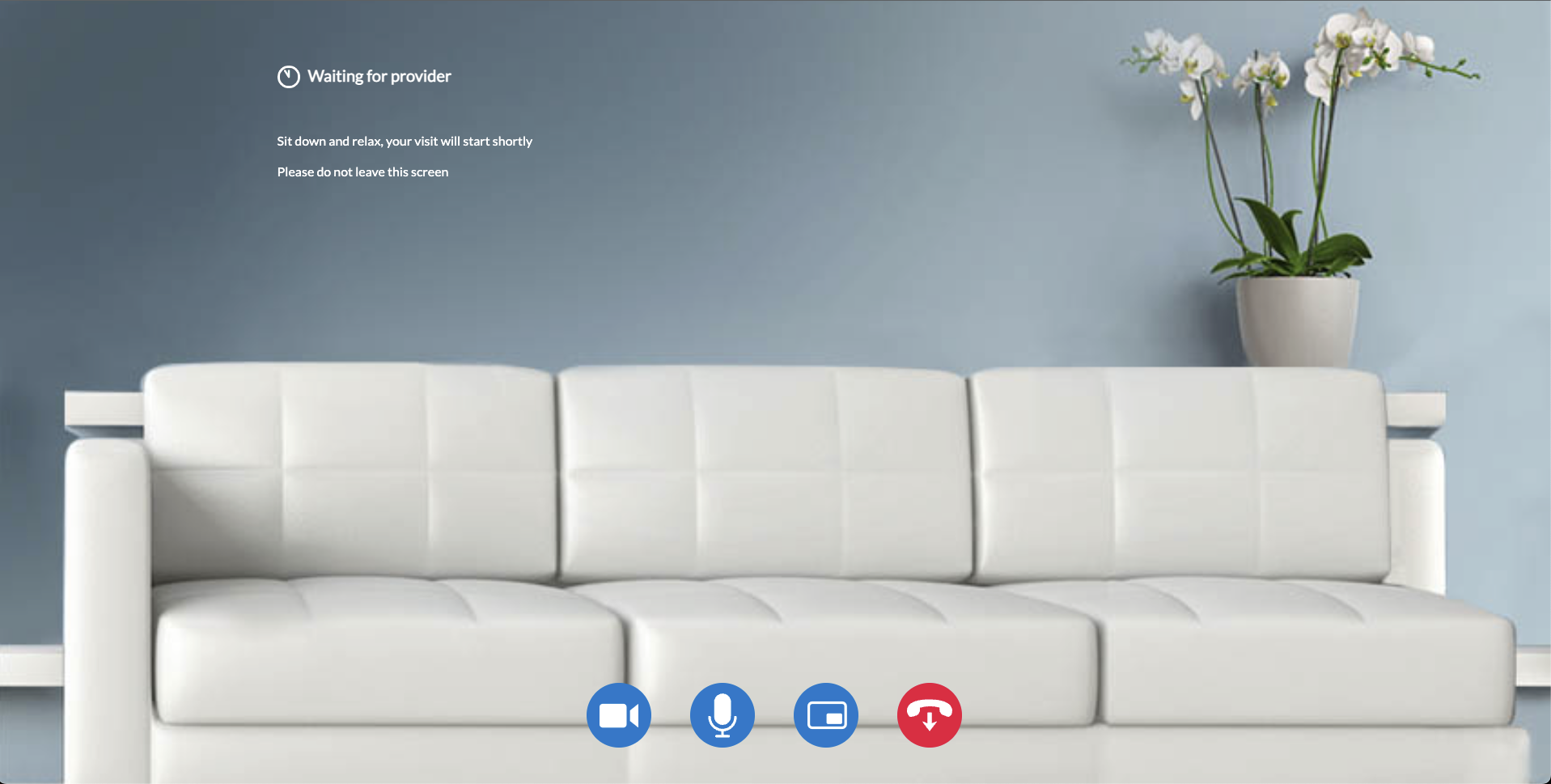 |
The patient will first see this waiting room until the provider joins the video appointment. |
| 5 | Exit video room |  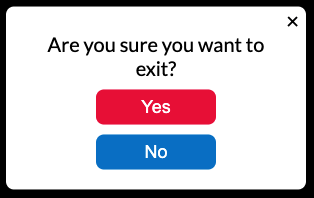 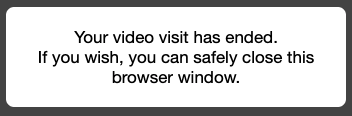 |
The patient can click the exit button to exit the video room. The patient needs to choose “Yes” to confirm the exit operation. The patient will be redirected to a page which instructs that it is safe to close the browser window. |